Used in Live Production
Real Tournaments.
Real Broadcast. On Air.
DJ HTML Creator drives the graphics on live productions week after week — club and international basketball, football tournaments, athletics, boxing, swimming. From those, four are shown here: the ABA League Junior Finals, a Eurocup quarter-final between Hapoel Jerusalem and Türk Telekom Ankara, the Miljan Miljanić Memorial U16 football tournament, and seventeen competition days at the 2026 European Aquatics Championships in Paris, where the graphics played to the venue's poolside LED wall instead of a broadcast feed. Every graphic below was designed by the production team, built in DJ HTML Creator, and played live through a CasparCG server driven by a custom-built control application. This is what shipped — not a marketing demo.
Featured Production 01
ABA League Junior Finals 2026
Three-day international basketball tournament · Aleksandar Nikolić Hall · Belgrade · April 21 – 23, 2026
Event
ABA League Junior
Final Tournament
Final Tournament
Venue
Aleksandar Nikolić Hall
Belgrade, Serbia
Belgrade, Serbia
Dates
April 21 – 23, 2026
Three-day tournament
Three-day tournament
Delivery
CasparCG Playout
Live TV Broadcast
Live TV Broadcast
10+
Featured Templates
3
Days On Air
100%
HTML / CasparCG
Live
Real-time Updates
Graphic Package
Click any graphic to view full-screen
Match ID
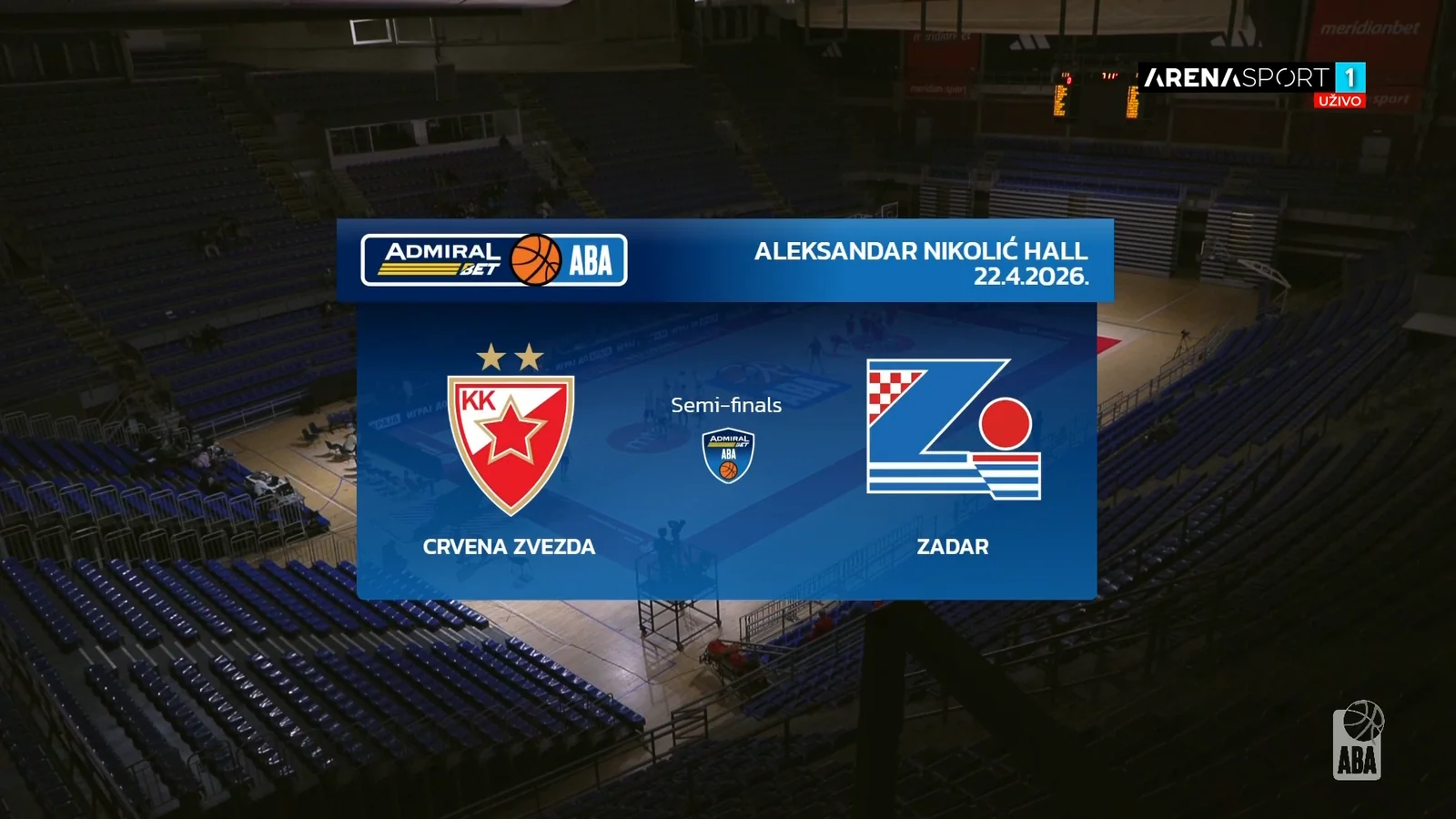
Opening card with competition, venue, date, and team badges introducing each matchup.
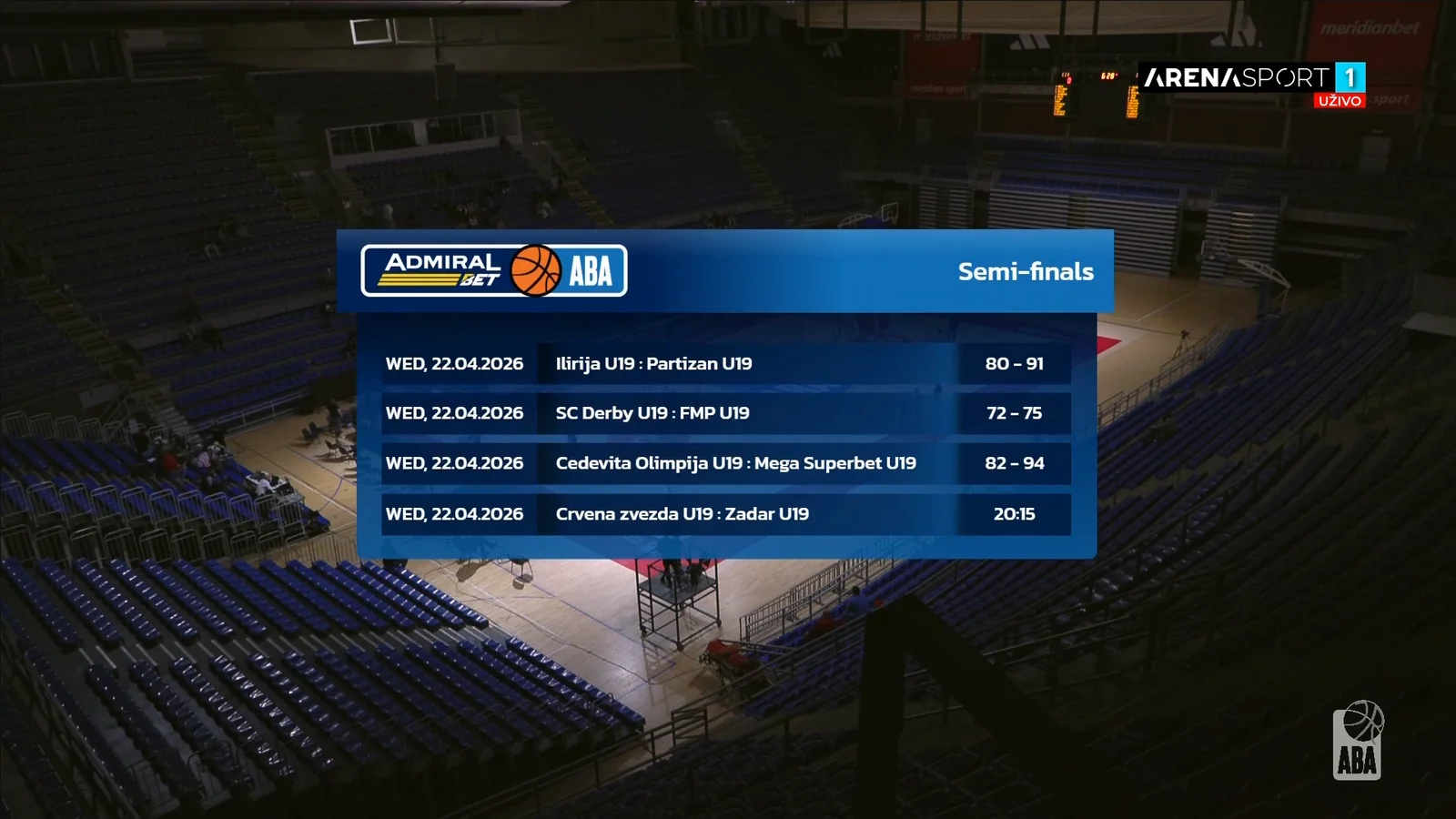
Tournament Bracket
Full bracket from quarter-finals through to the final, with pairings, tip-off times, and seedings.
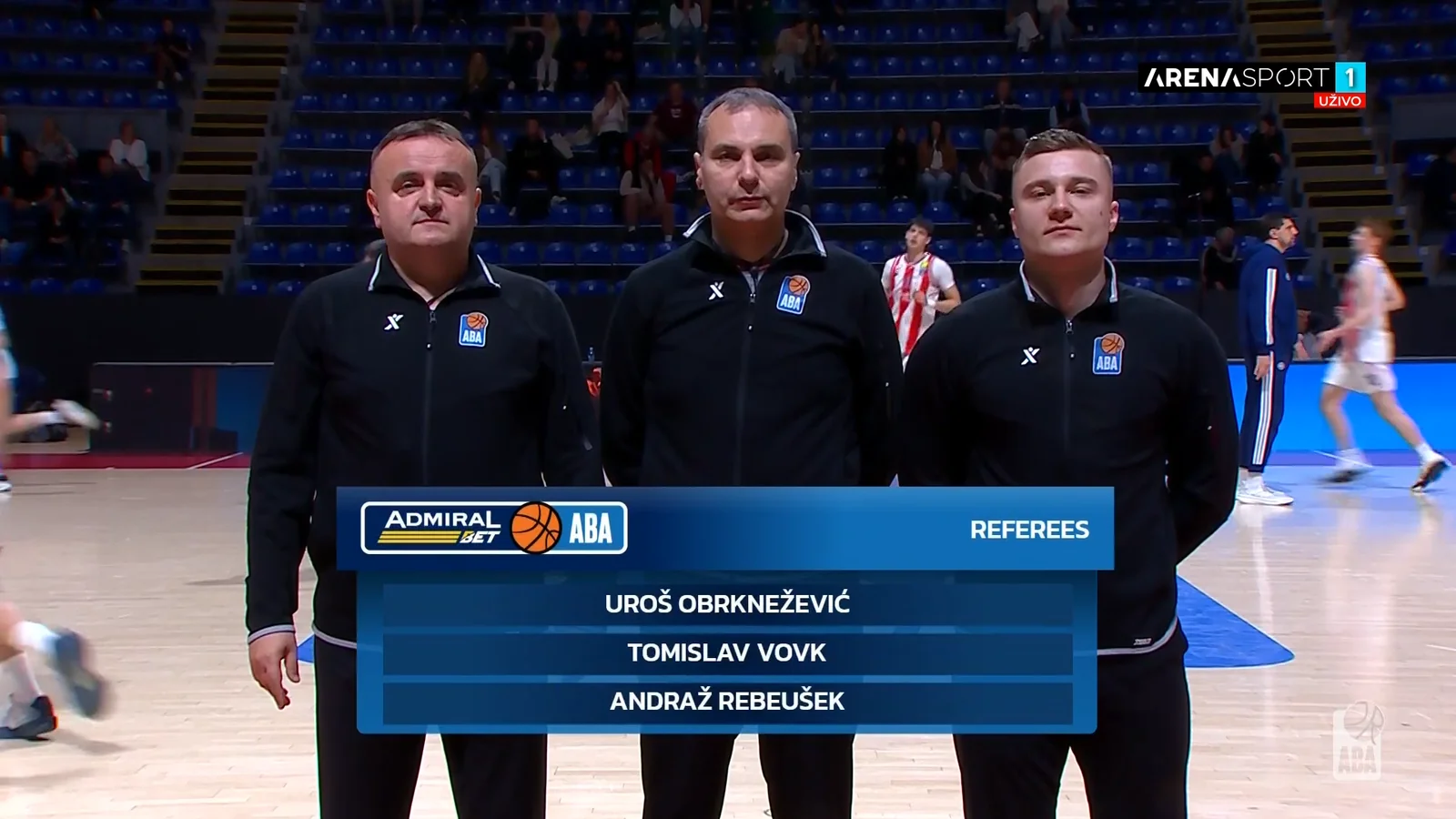
Referees
Officiating crew introduction with headshots and names shown before tip-off.
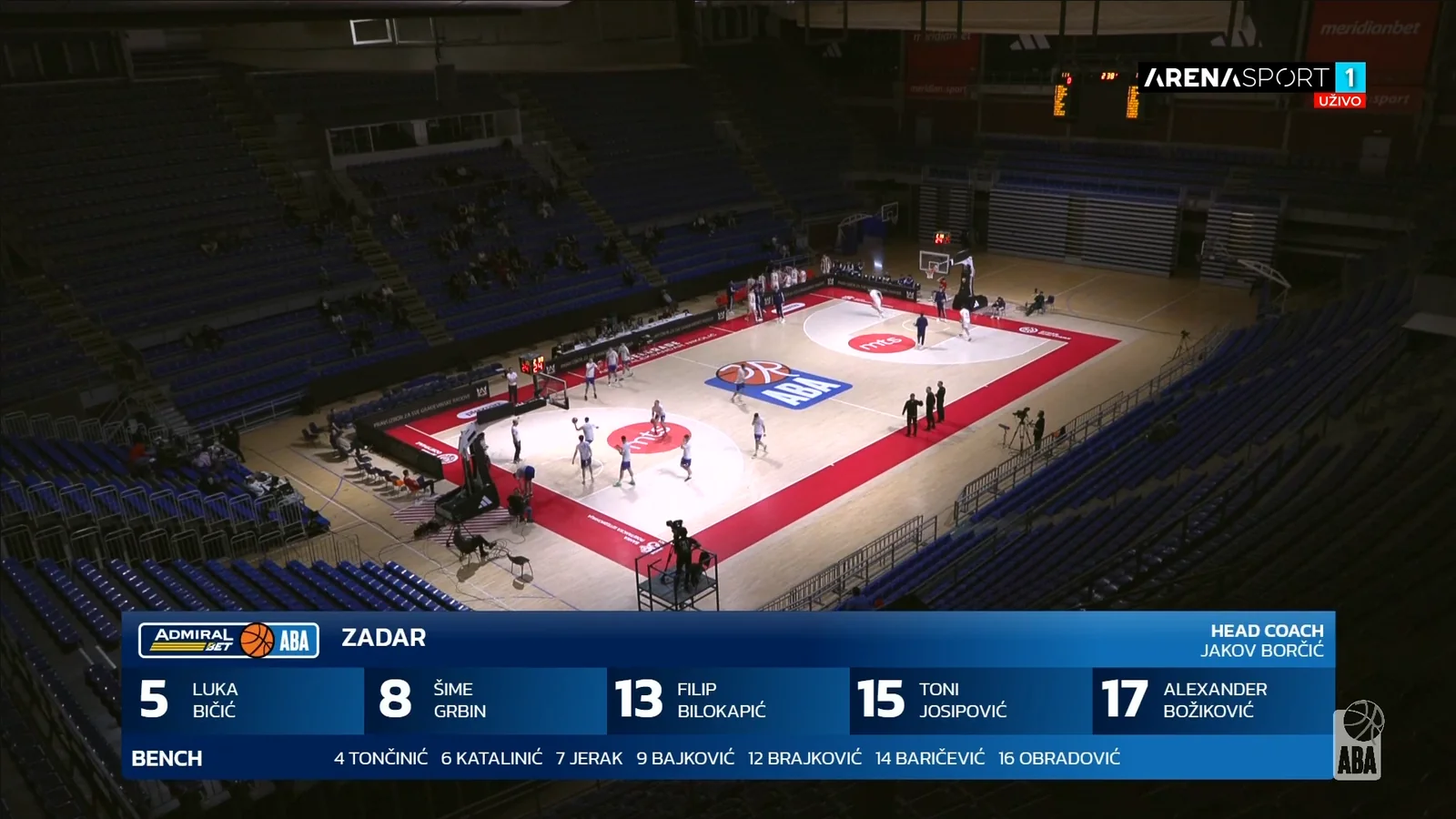
Roster
Full twelve-player squad with jersey numbers and surnames, paged for readability.
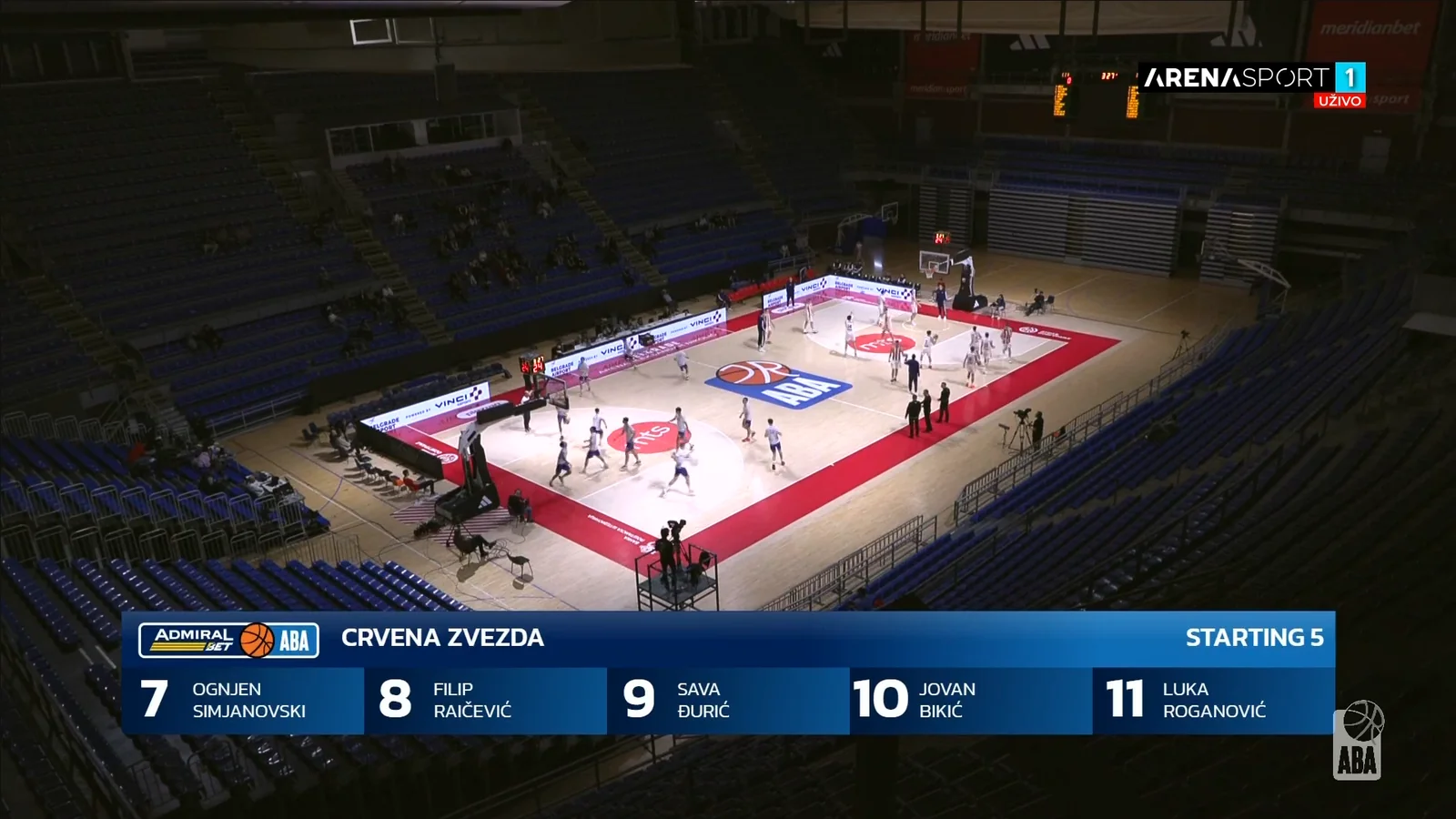
Starting Five
Five players taking the floor, shown side by side moments before tip-off.
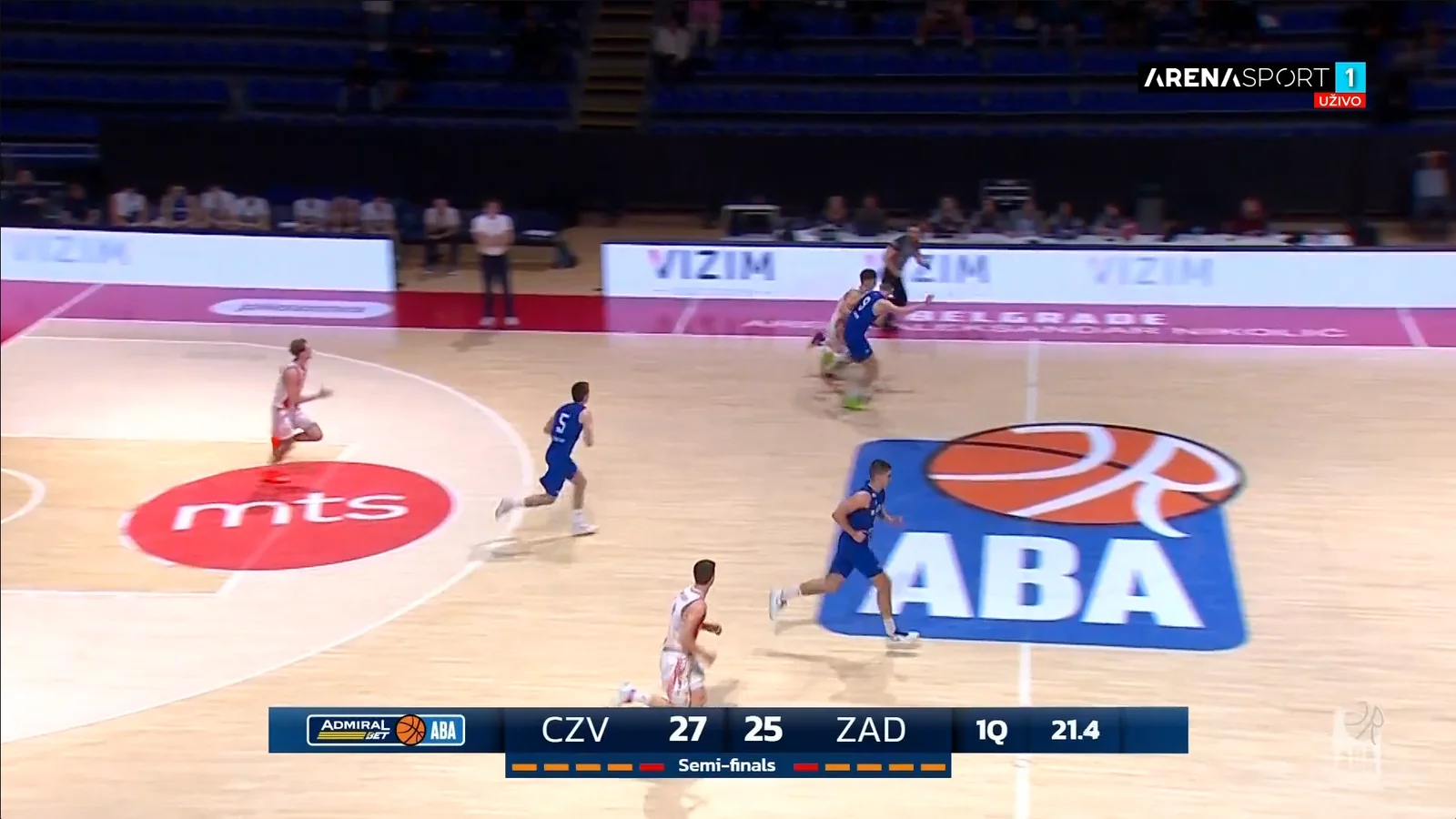
Score Bug
Persistent bottom-of-screen score with period indicator and live game clock.
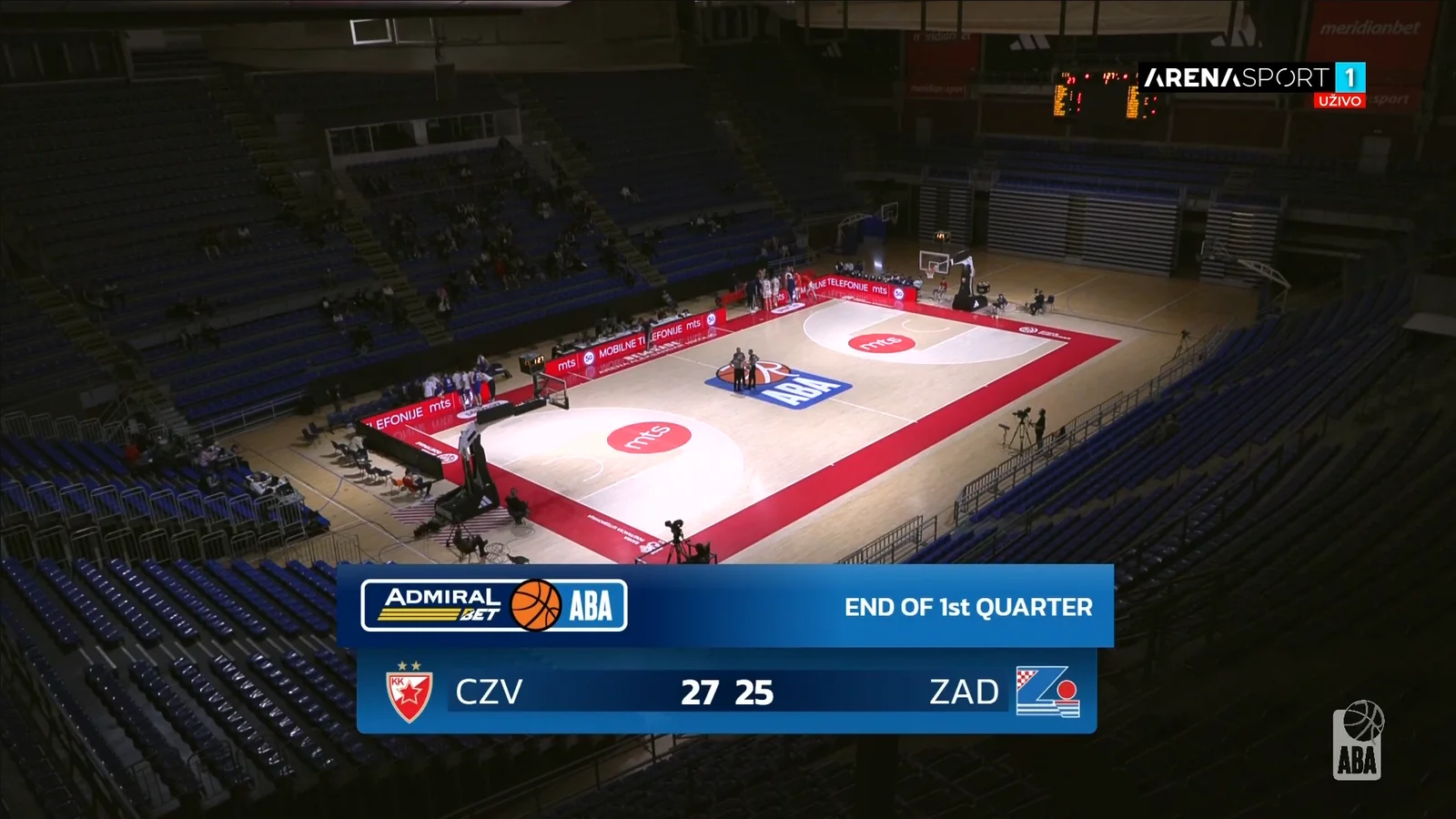
Quarter Break Scoreboard
Full-width card recapping the score between periods with team badges prominently shown.
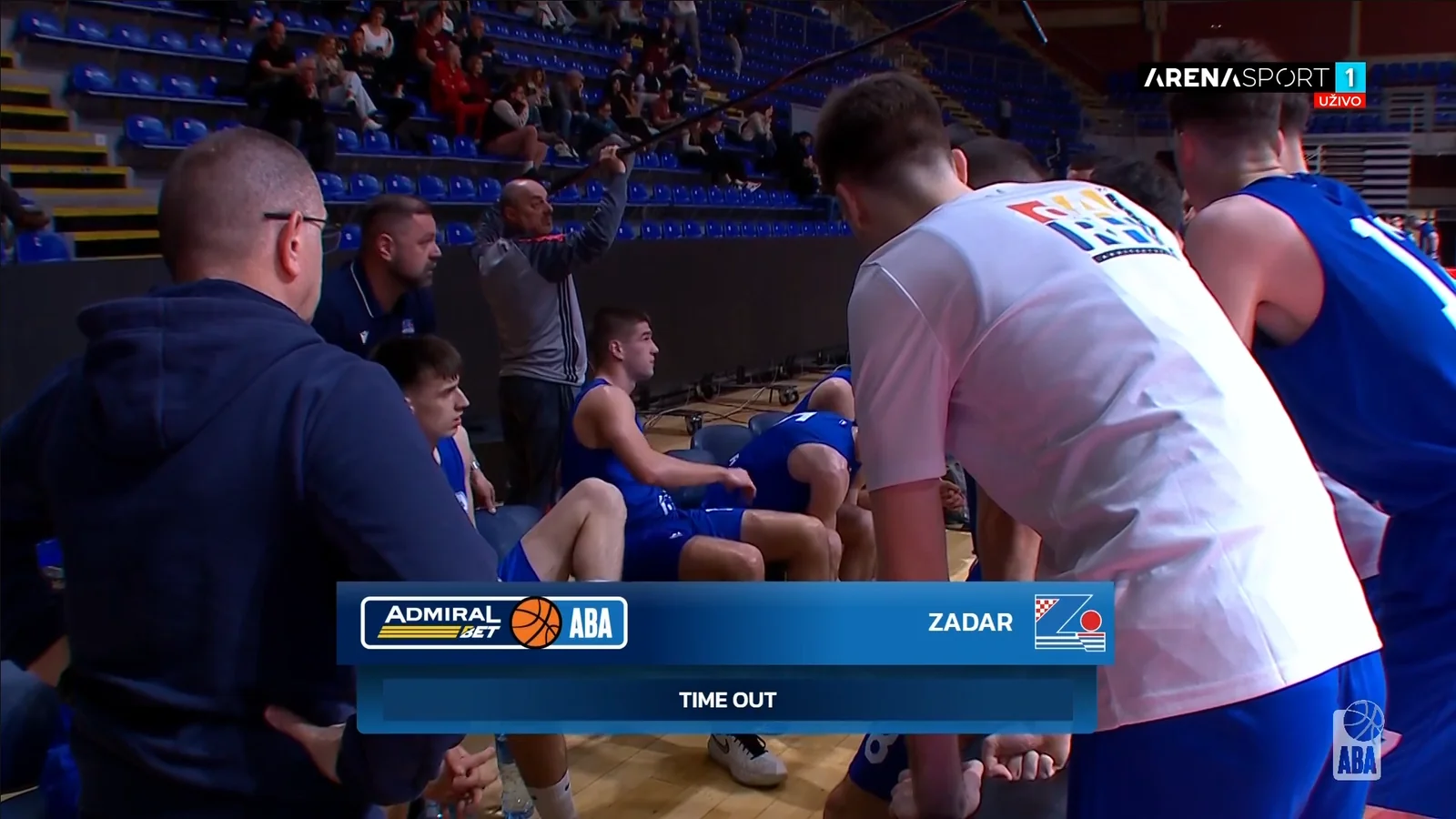
Timeout
Timeout notification with team in possession and countdown during the play stoppage.
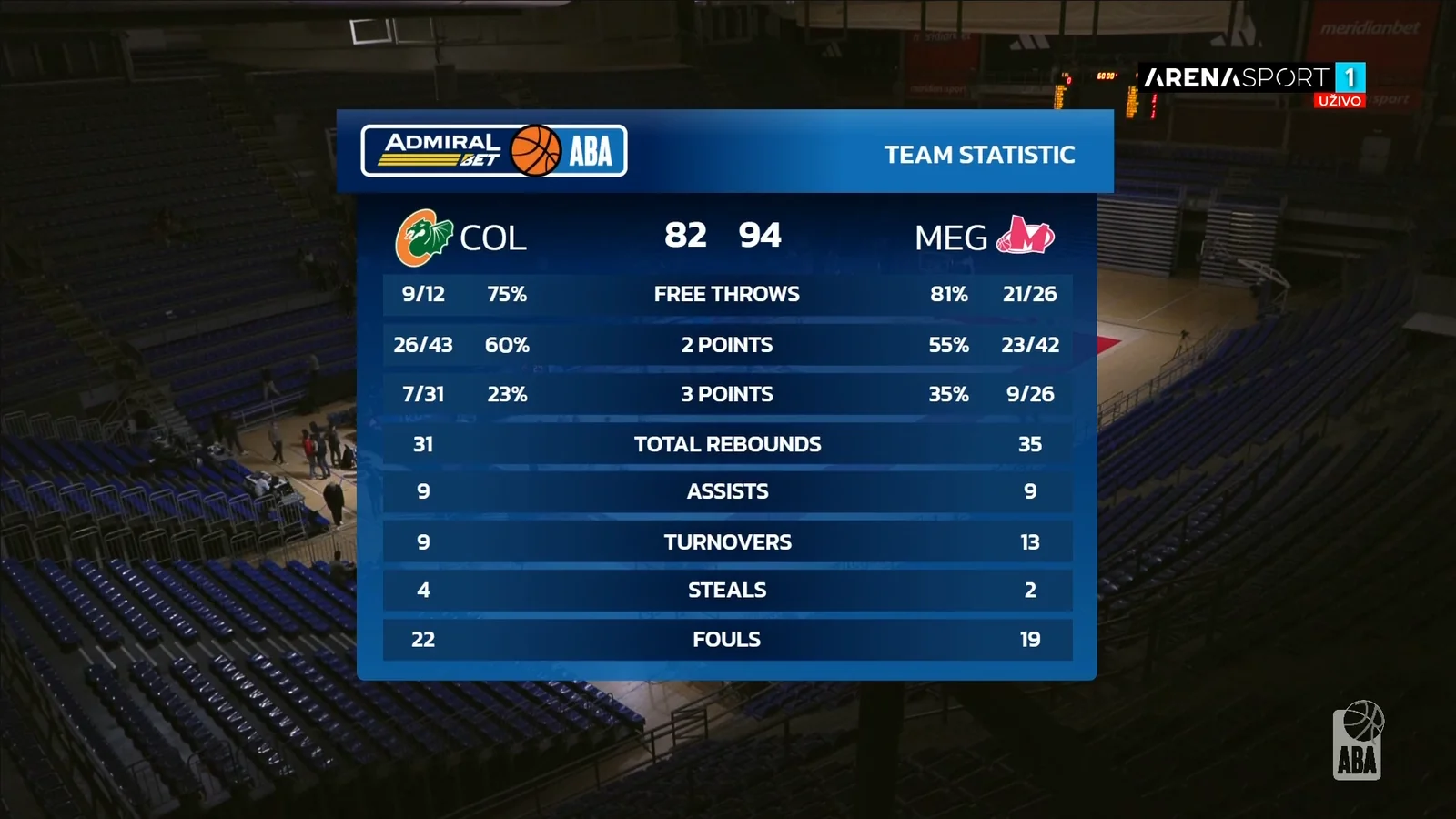
Team Statistics
Side-by-side team comparison across free throws, field goals, rebounds, assists, and fouls.
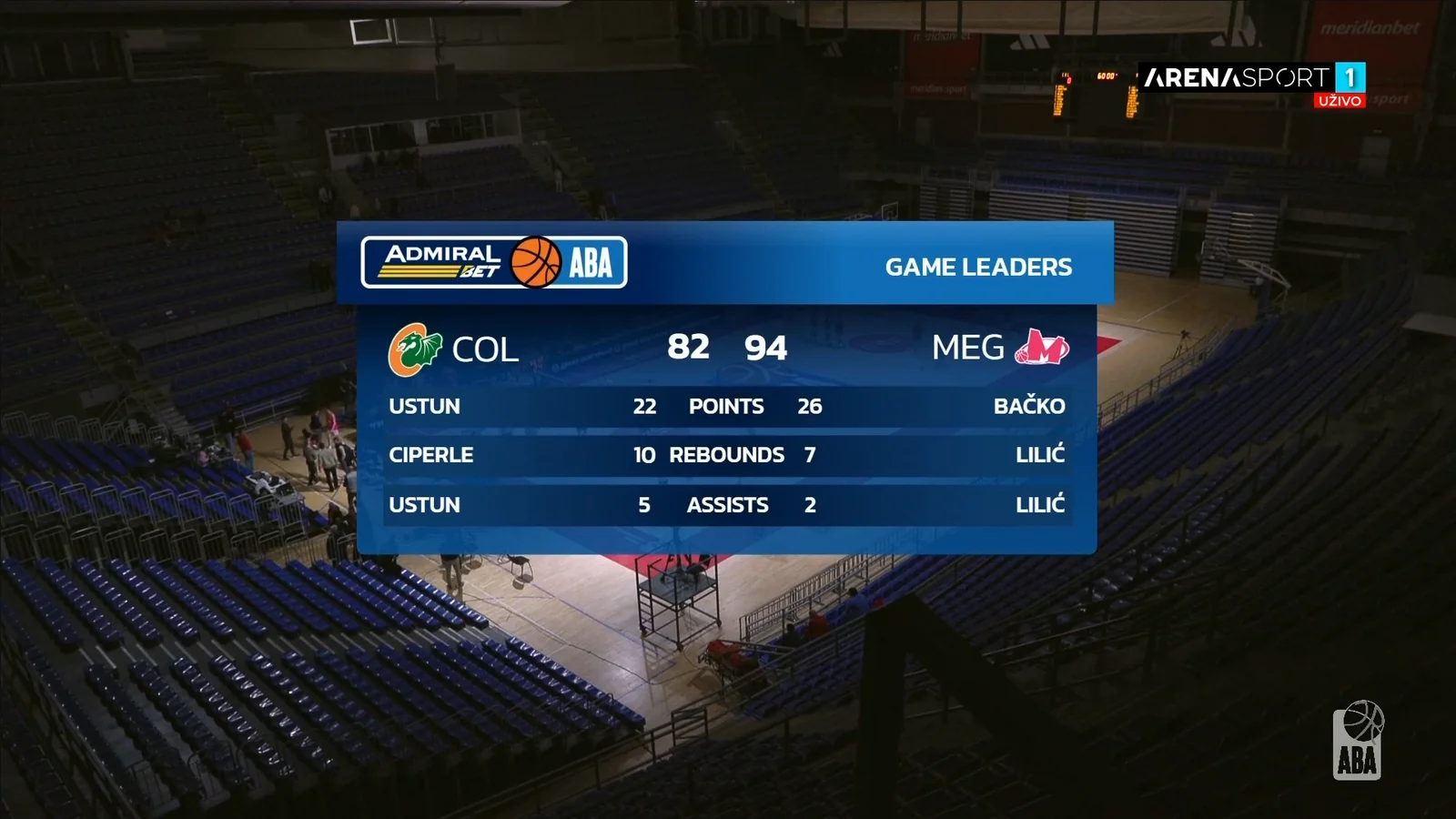
Game Leaders
Top performers of the game in points, rebounds, and assists with player photos.
Featured Production 02
Eurocup Quarter-final 2026
Hapoel Midtown Jerusalem vs Türk Telekom Ankara · Hala Ranko Žeravica · Belgrade · March 18, 2026
Event
Eurocup
Quarter-final
Quarter-final
Venue
Hala Ranko Žeravica
Belgrade, Serbia
Belgrade, Serbia
Date
March 18, 2026
Single match
Single match
Delivery
CasparCG Playout
Live TV Broadcast
Live TV Broadcast
40+
Templates Built
1
Live Match
100%
HTML / CasparCG
Live
Real-time Updates
Selected Graphics
Five from a 40+ template package
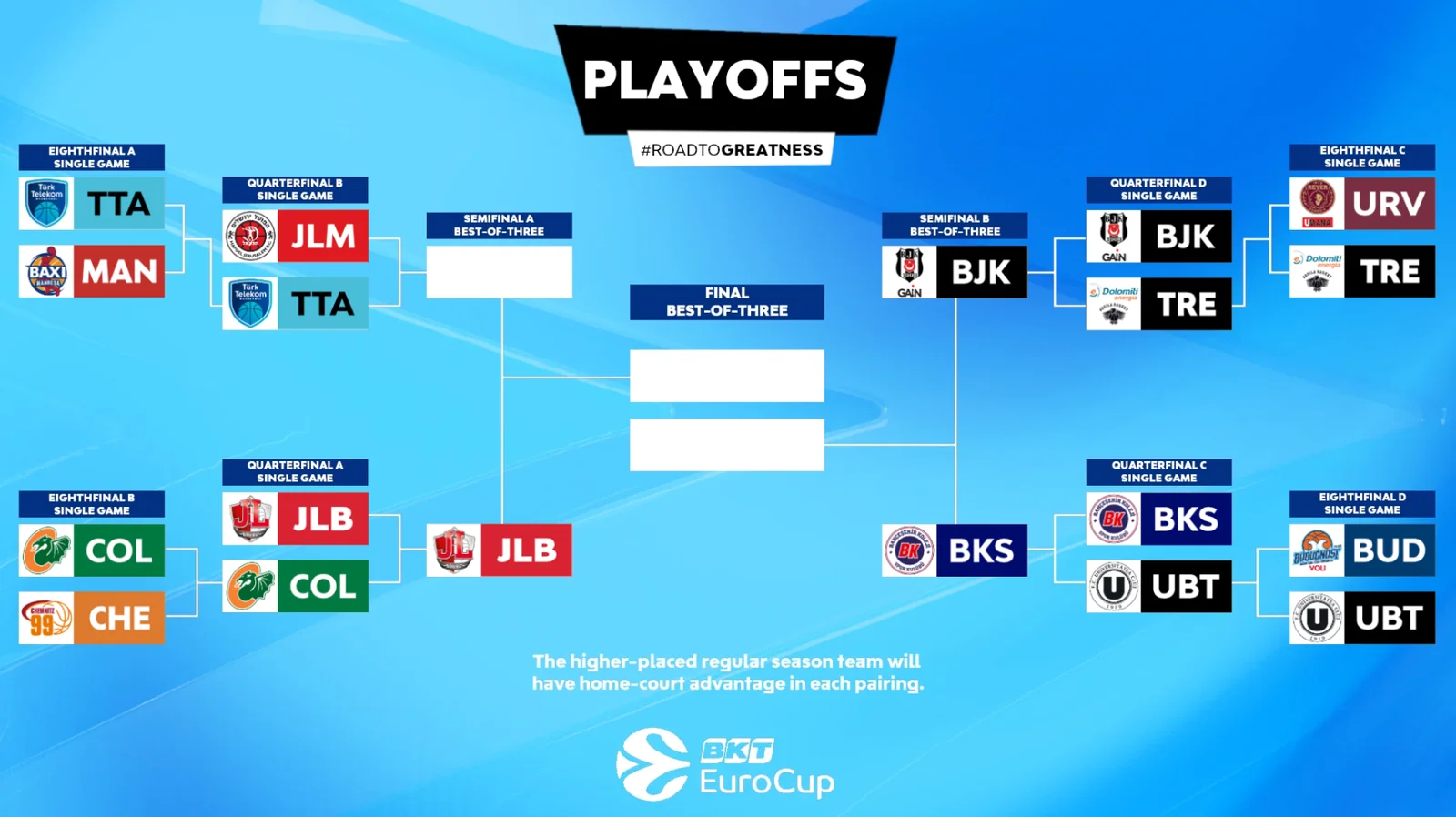
Playoff Bracket
Full Eurocup playoff bracket with seedings, matchups, and tip-off times.
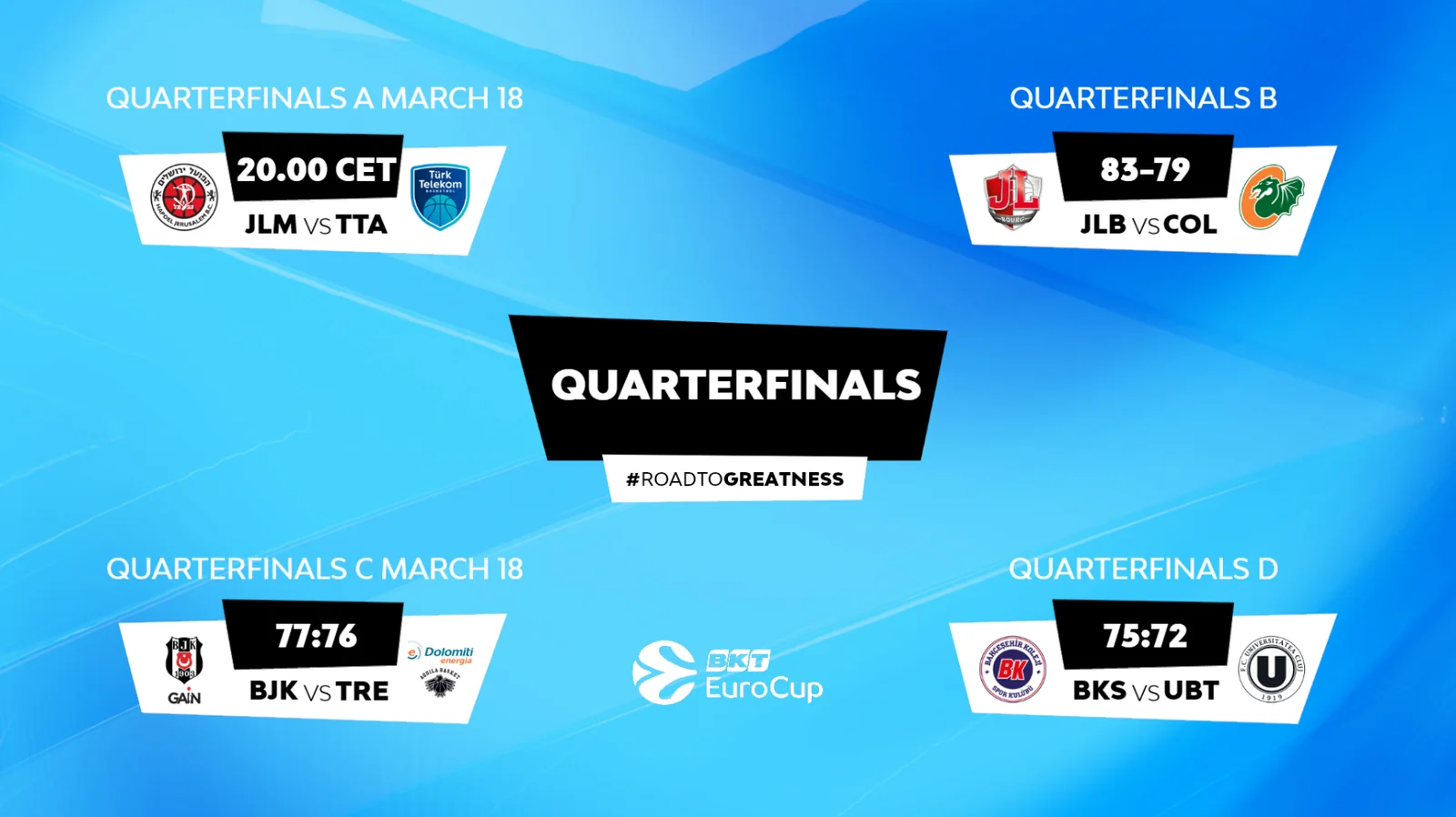
Results
Round results across all Eurocup quarter-final matchups, refreshed live as games end.
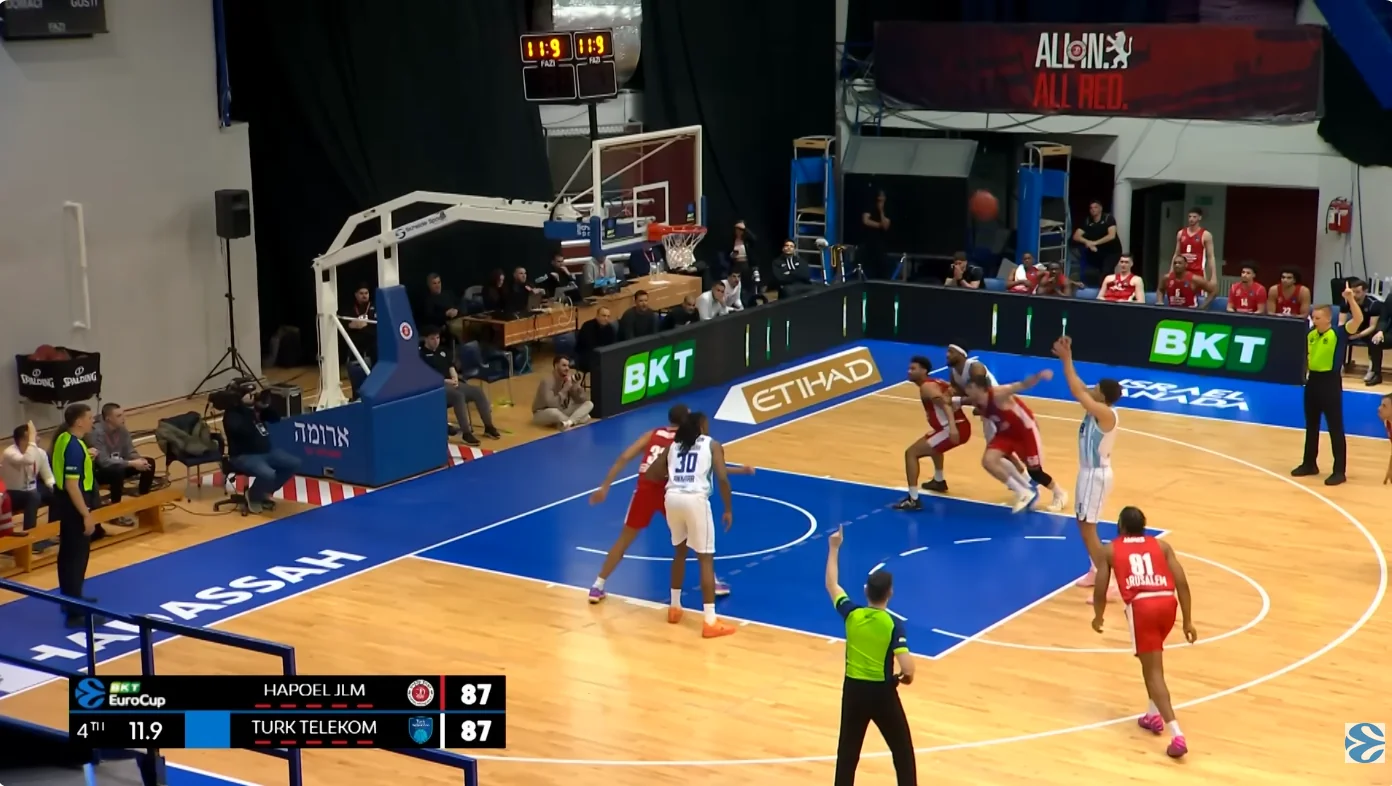
Score Bug
Persistent score and game clock with team identities updated live during play.
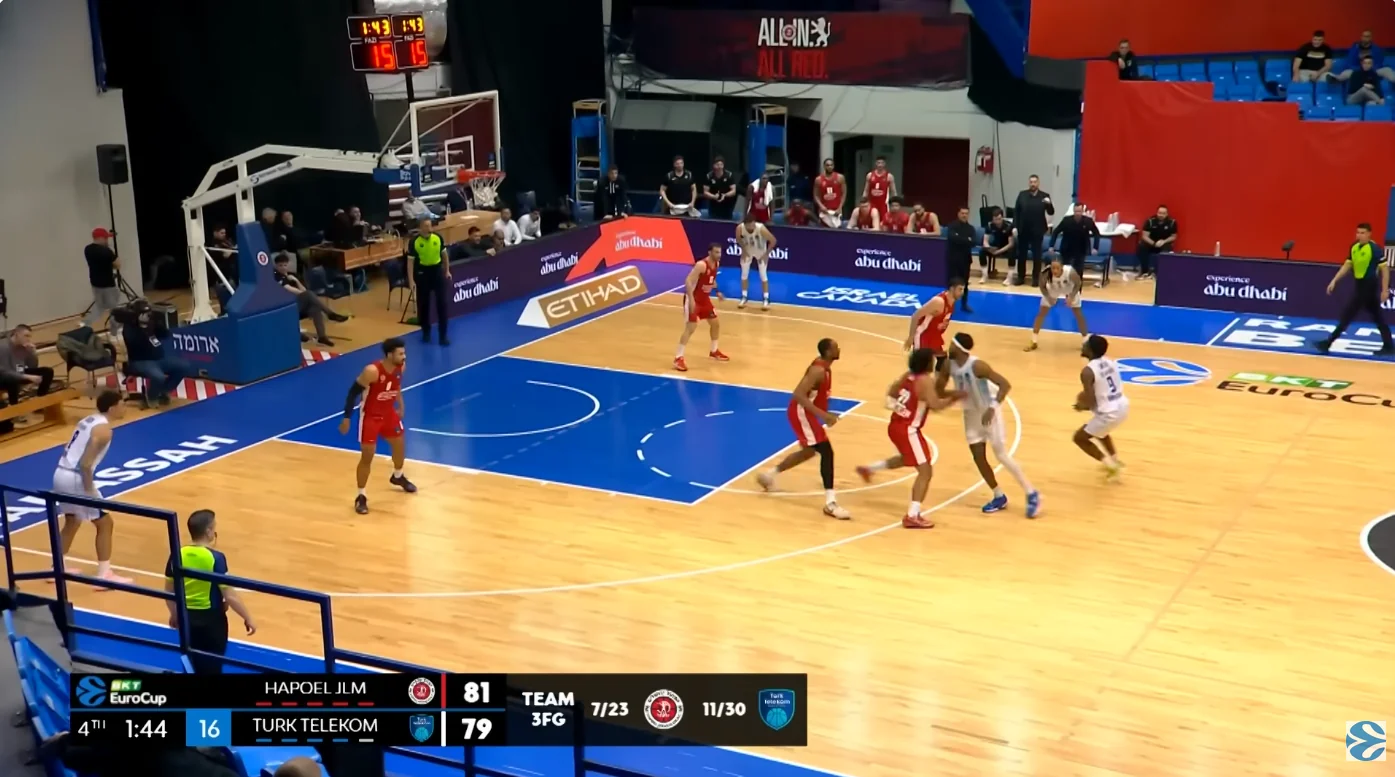
Score Bug · 3-Point Stats
Score-bug variant overlaying live team three-point shooting numbers.
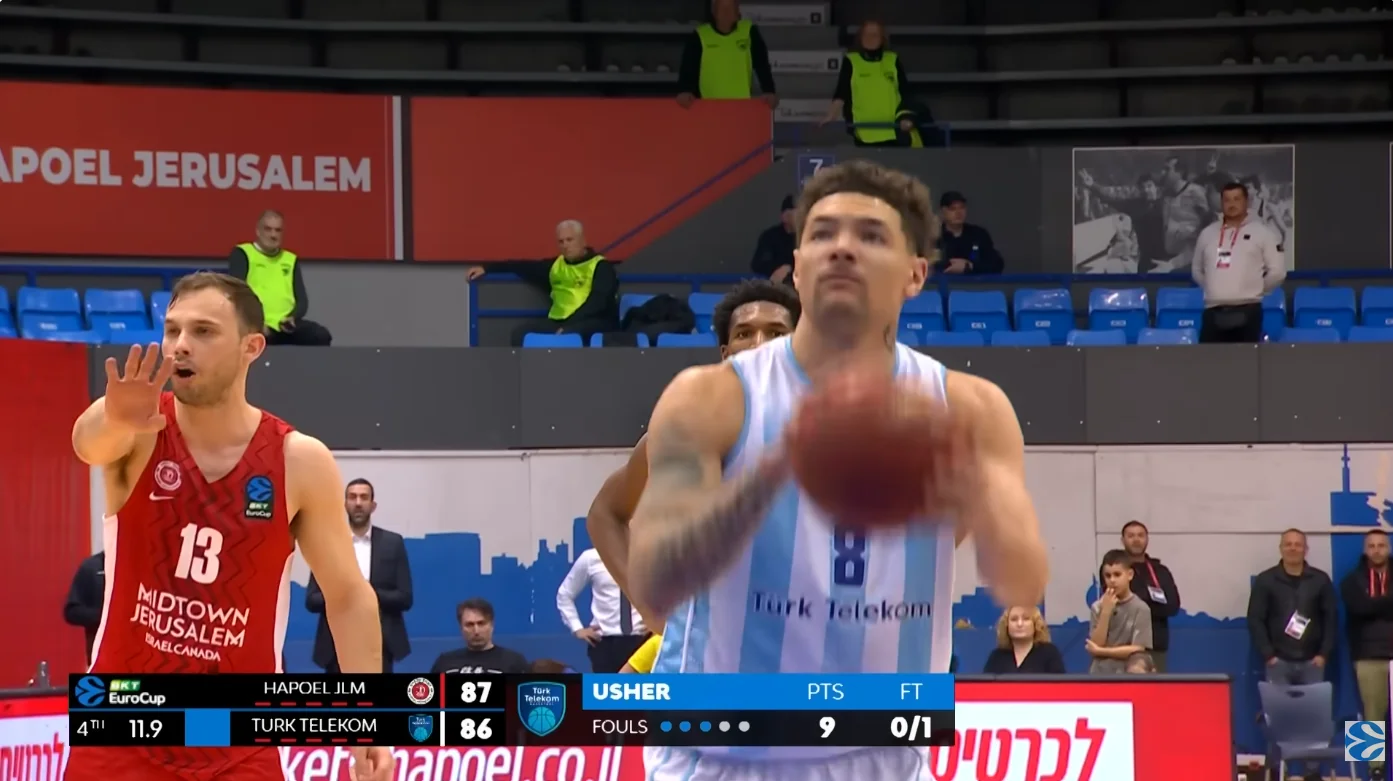
Score Bug · Free-Throw Stats
Score-bug variant overlaying live team free-throw percentages and counts.
Featured Production 03
Miljan Miljanić Memorial 2026
U16 international football tournament · Stara Pazova · May 12 – 14, 2026
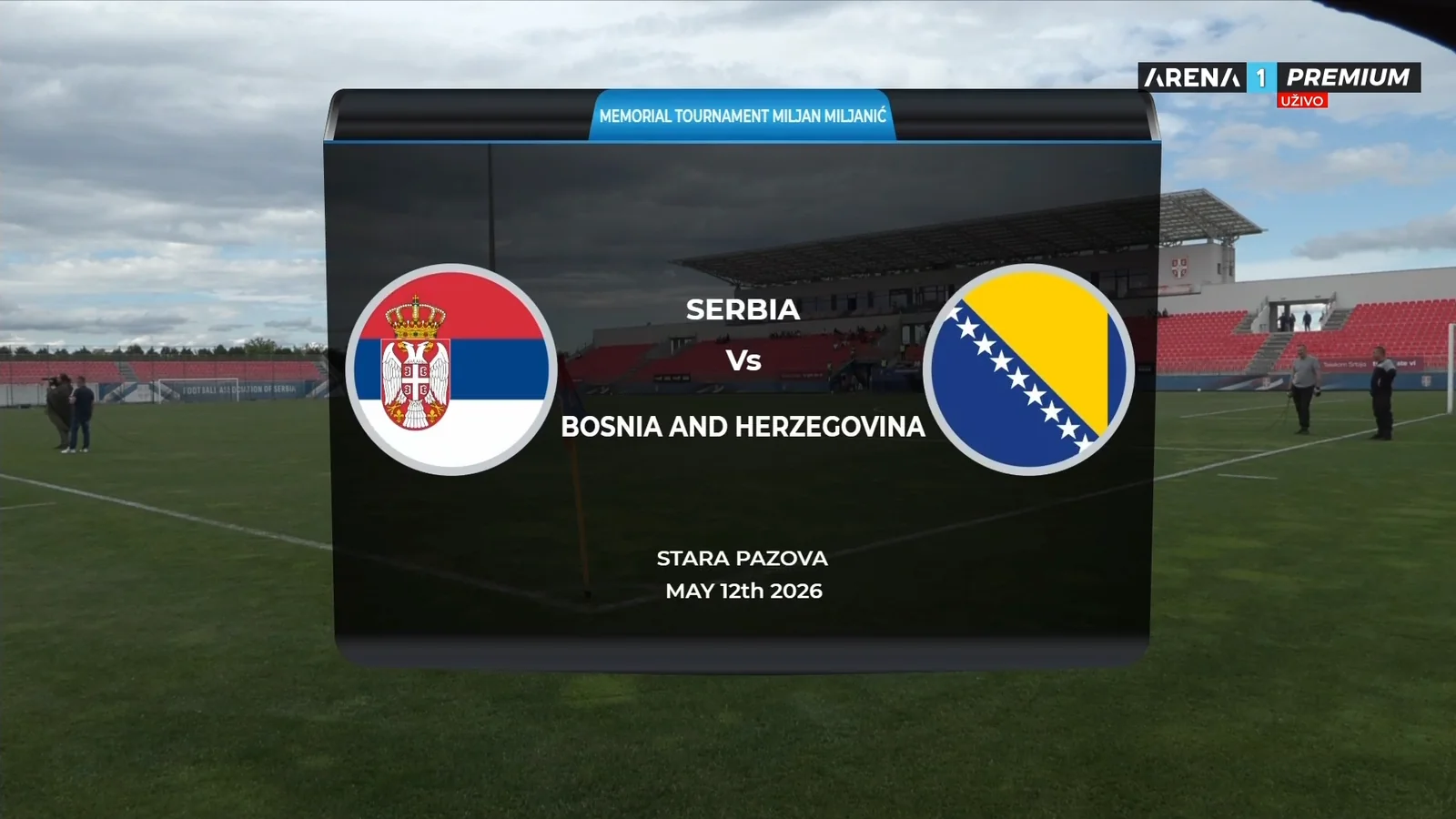
Event
Miljan Miljanić Memorial
U16 Tournament
U16 Tournament
Venue
Stara Pazova
Serbia
Serbia
Dates
May 12 – 14, 2026
Three-day tournament
Three-day tournament
Delivery
CasparCG Playout
Live TV Broadcast
Live TV Broadcast
10+
Templates Built
3
Tournament Days
100%
HTML / CasparCG
Live
Real-time Updates
Selected Graphics
The full match-day graphics package
Match ID
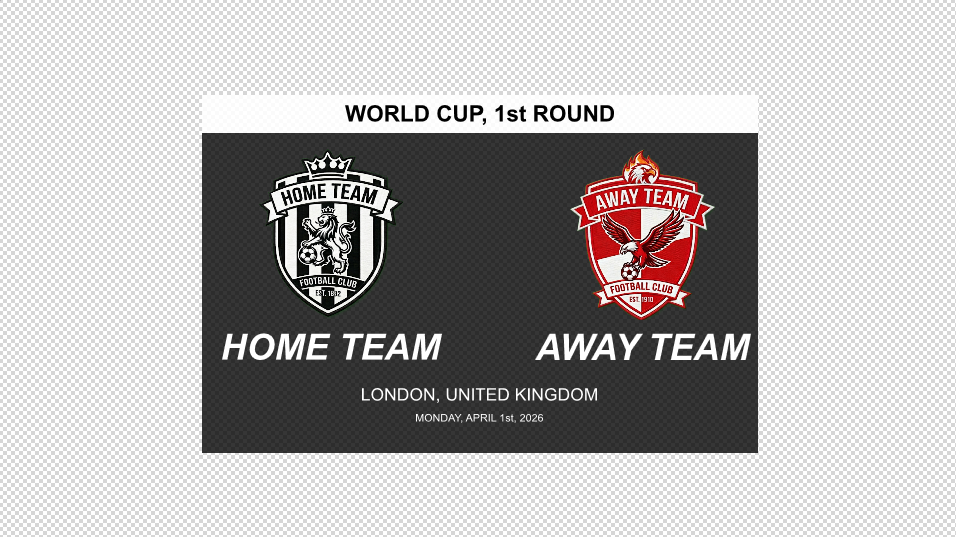
Opening card with national flags, competition name, host city, and kick-off date.
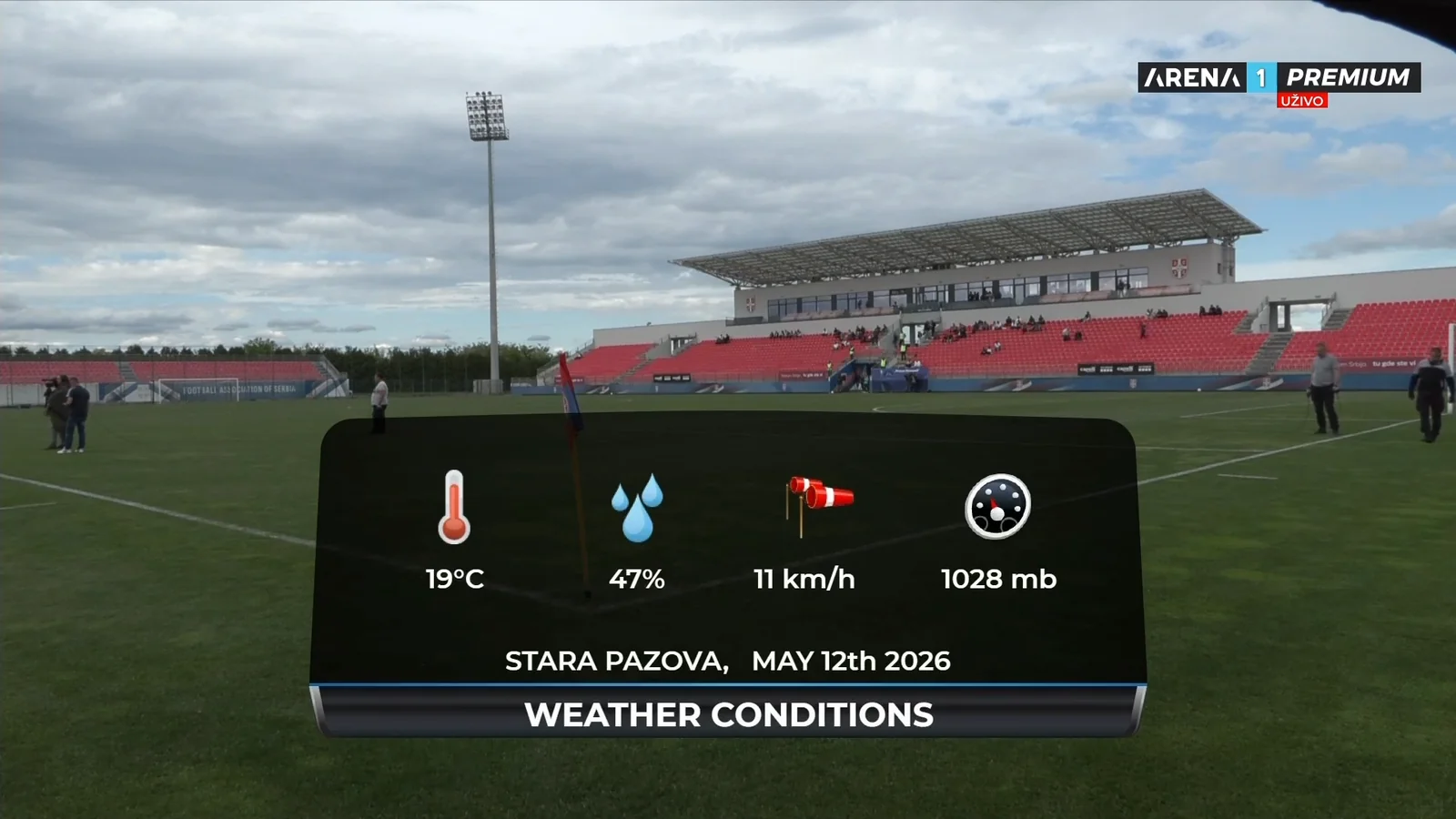
Weather Conditions
Pitch-side conditions panel — temperature, humidity, wind speed, and air pressure.
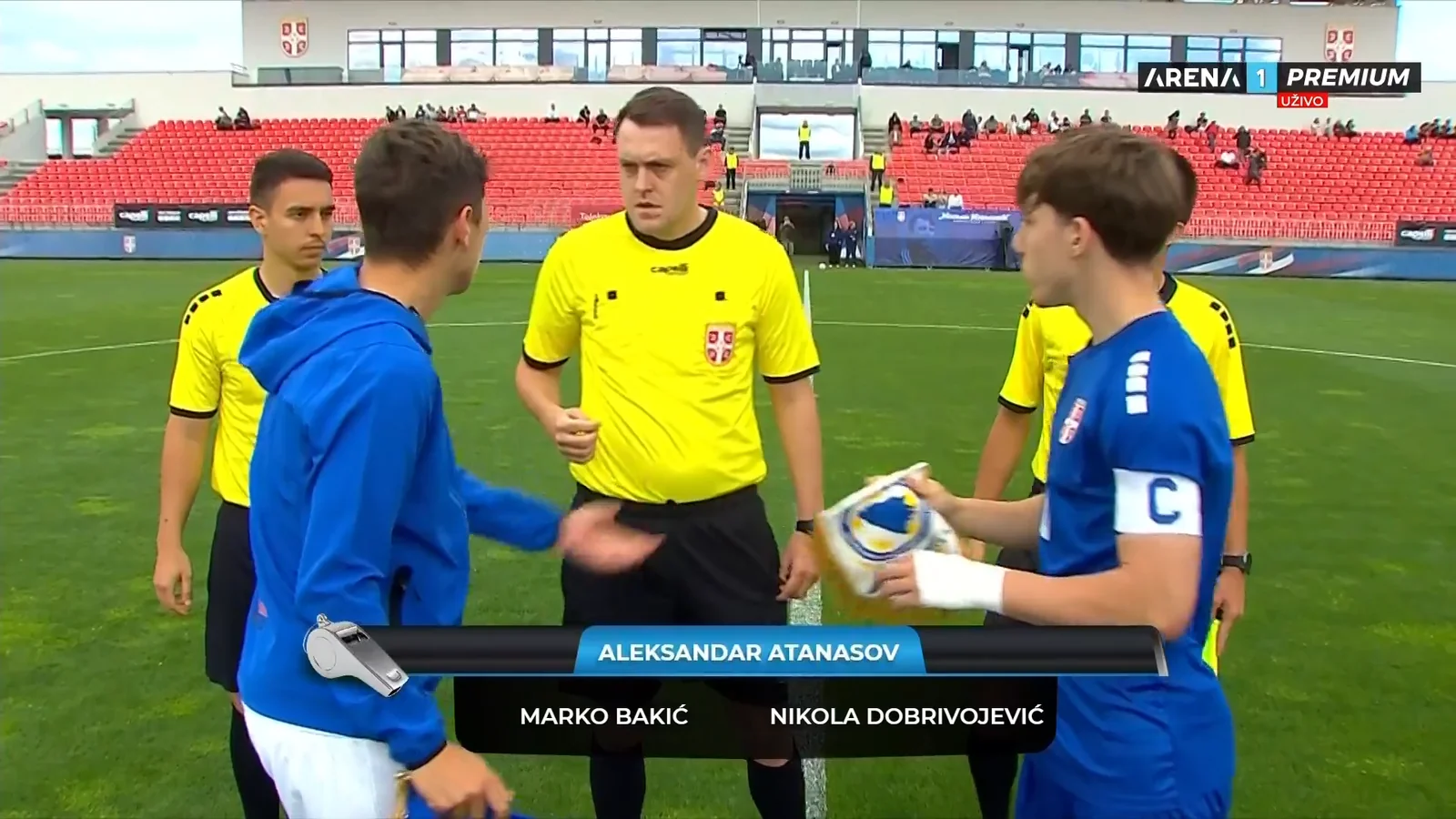
Referees
Match officials shown at the coin toss — centre referee and assistant referees.
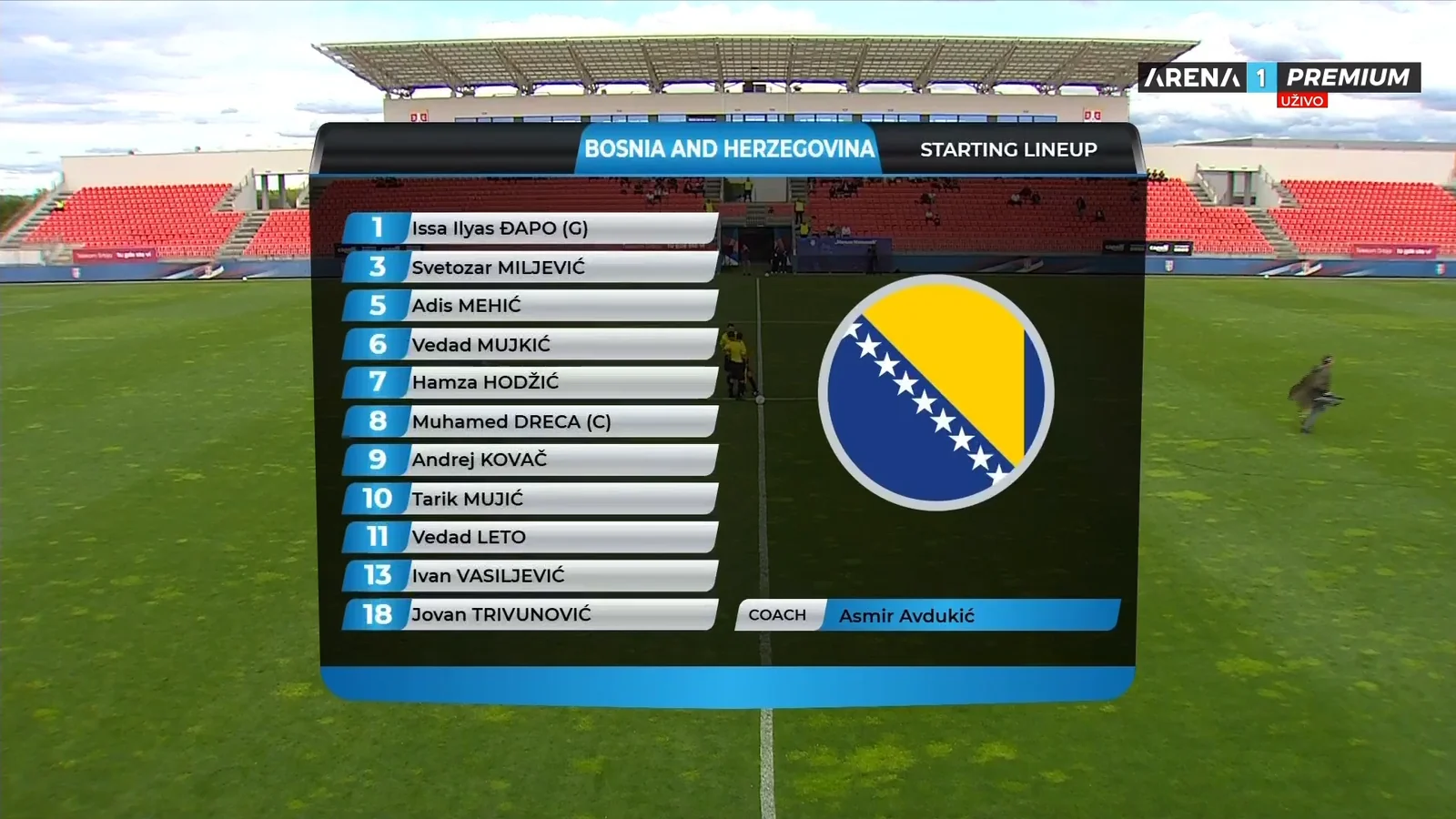
Starting Lineup
Full starting eleven with squad numbers, captain and goalkeeper marks, and head coach.
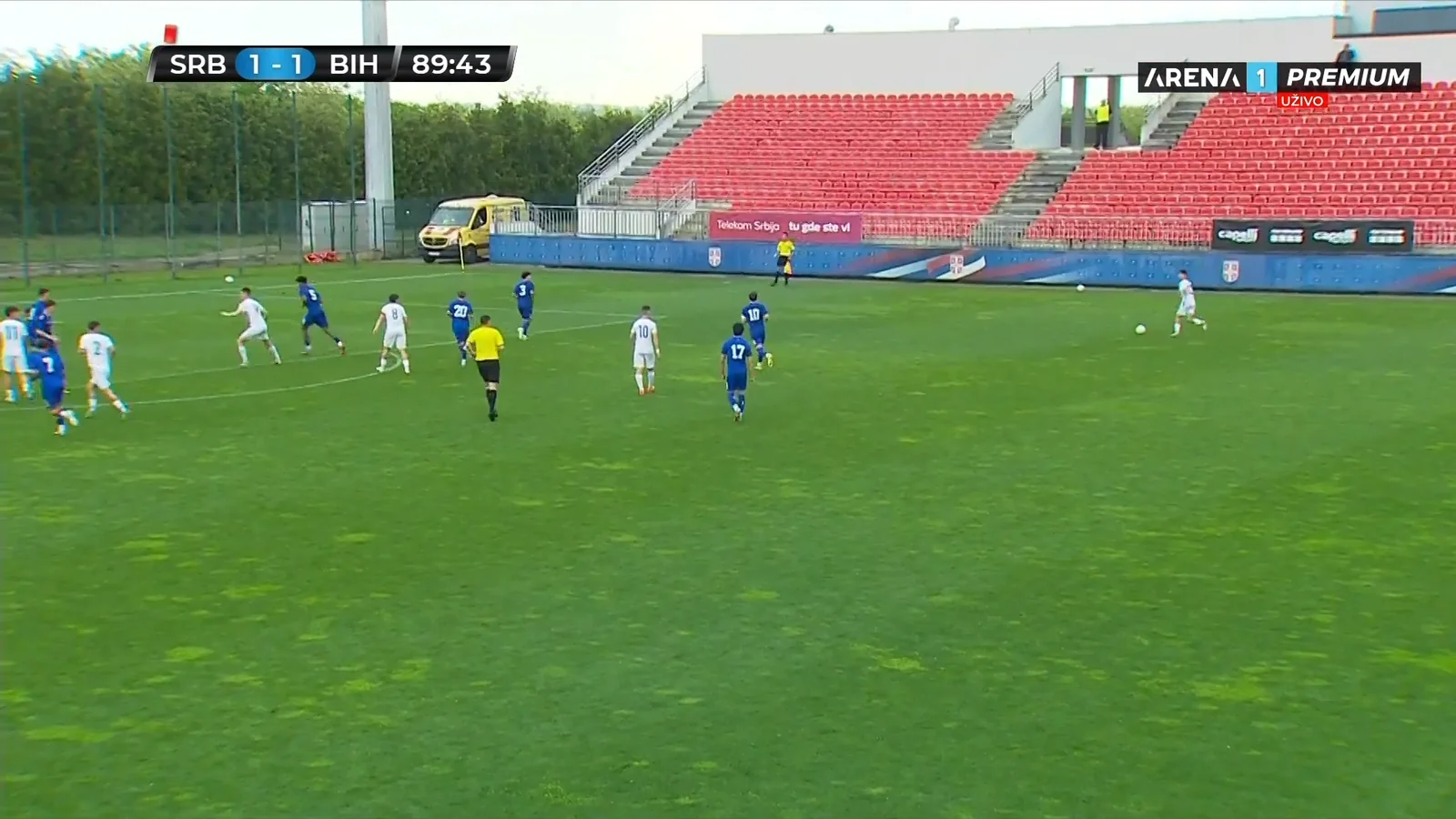
Permanent Score
Persistent corner score bug with team abbreviations and a running match clock.
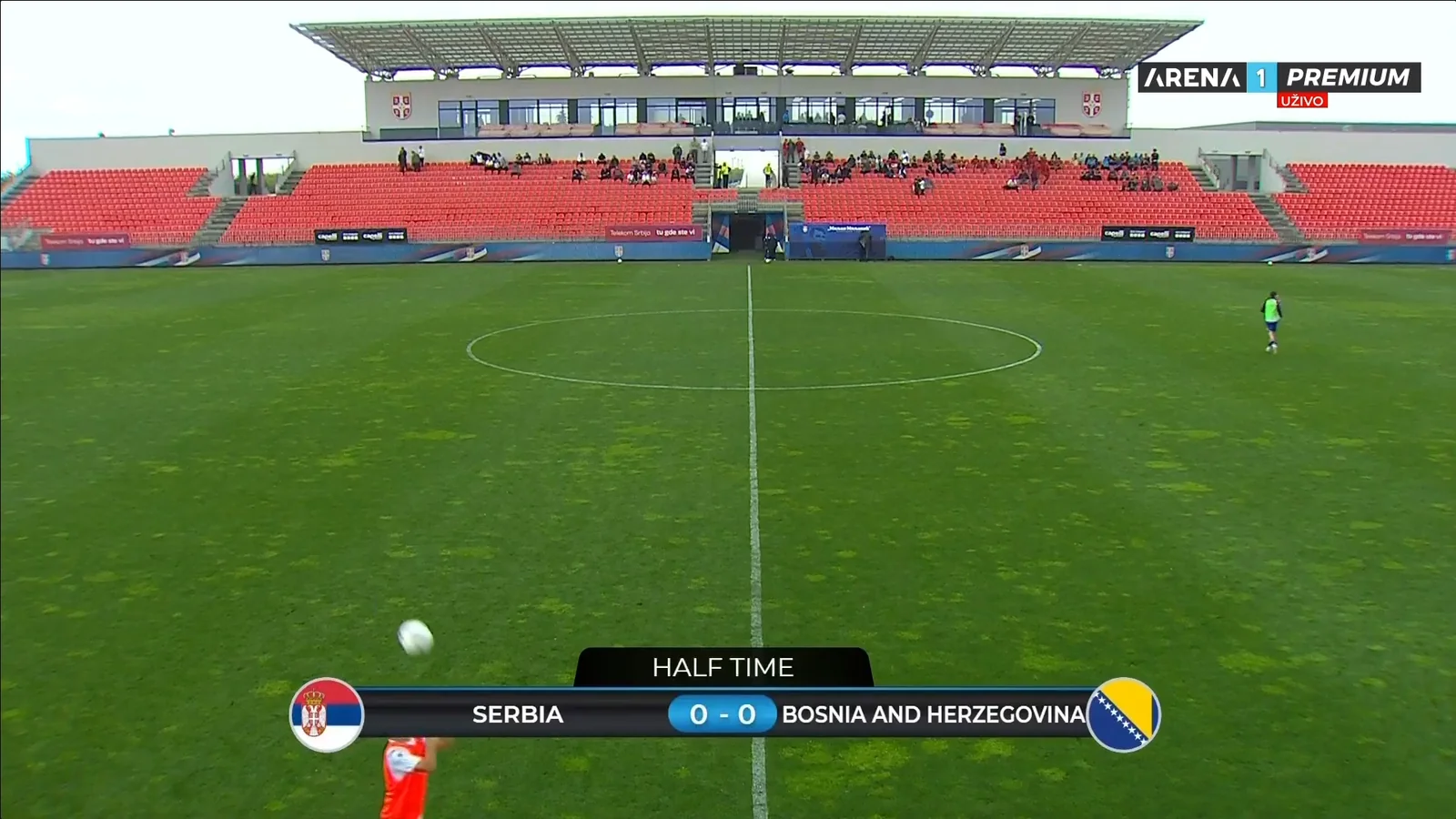
Half-time Scoreboard
Full-width score card shown at half-time and other key stoppages in play.
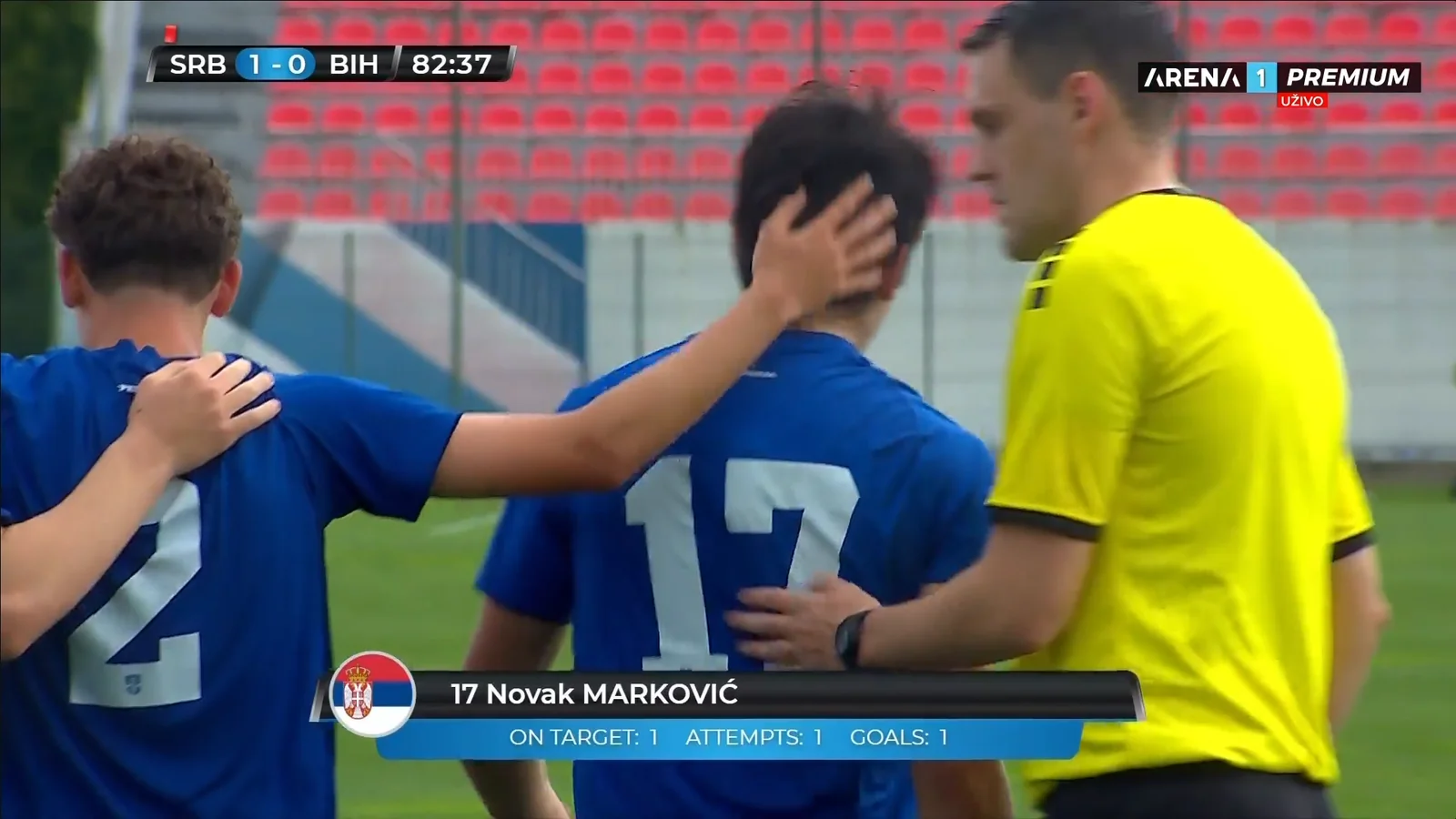
Goalscorer
Lower third highlighting the scorer with shots on target, attempts, and goals.
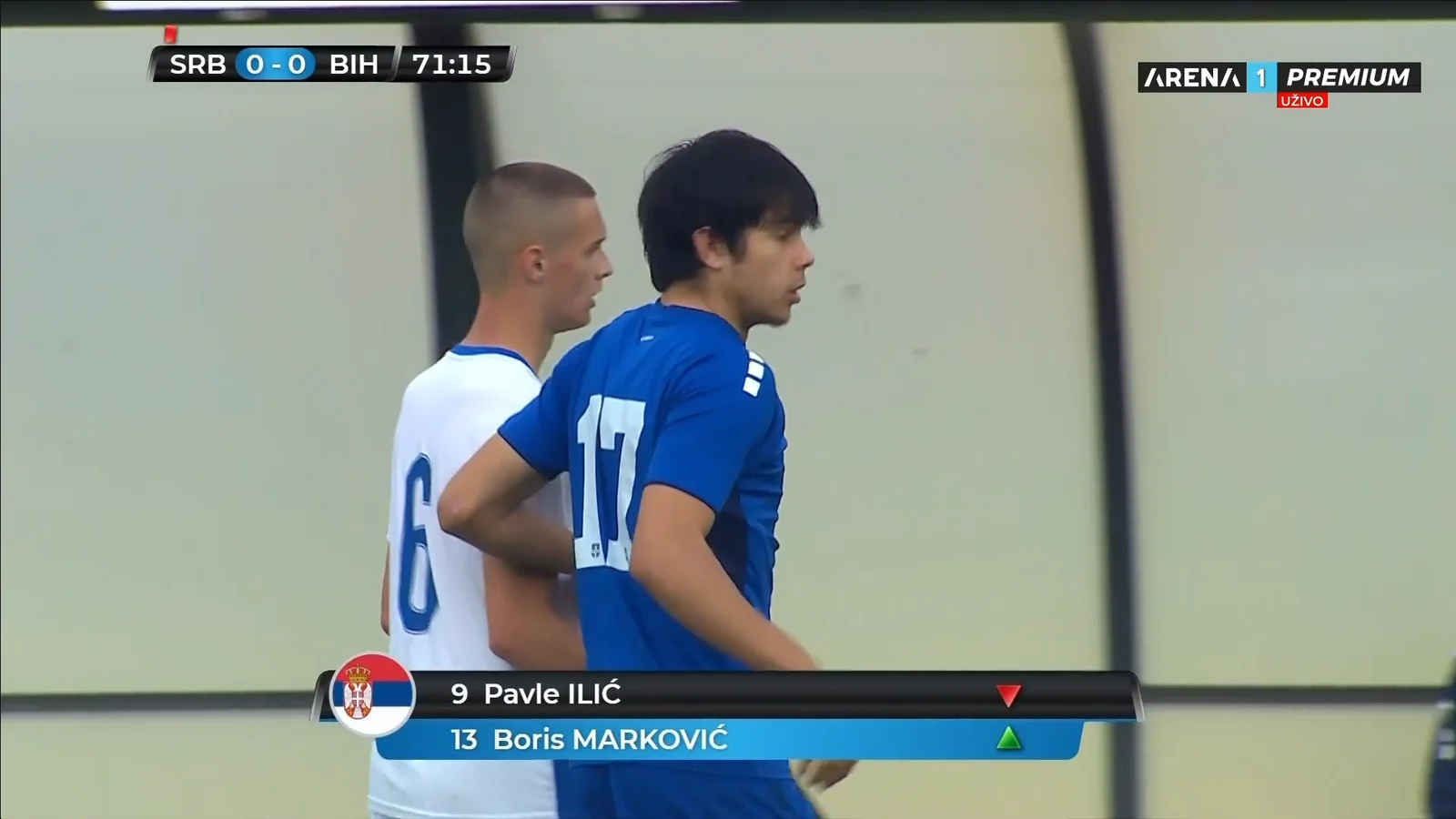
Substitution
Player off and player on, with red and green directional arrows.
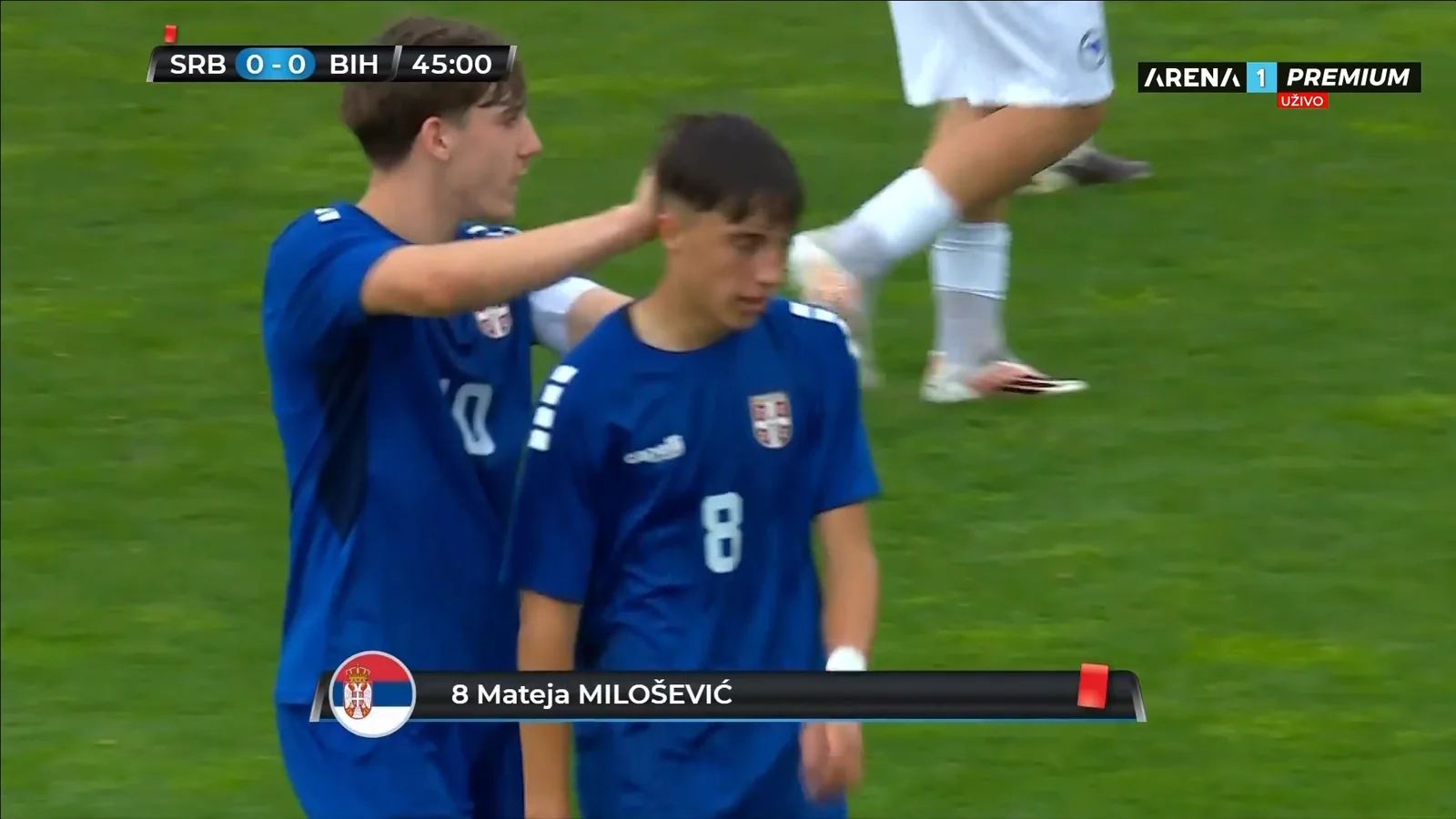
Red Card
Disciplinary graphic naming the dismissed player, triggered on the booking.
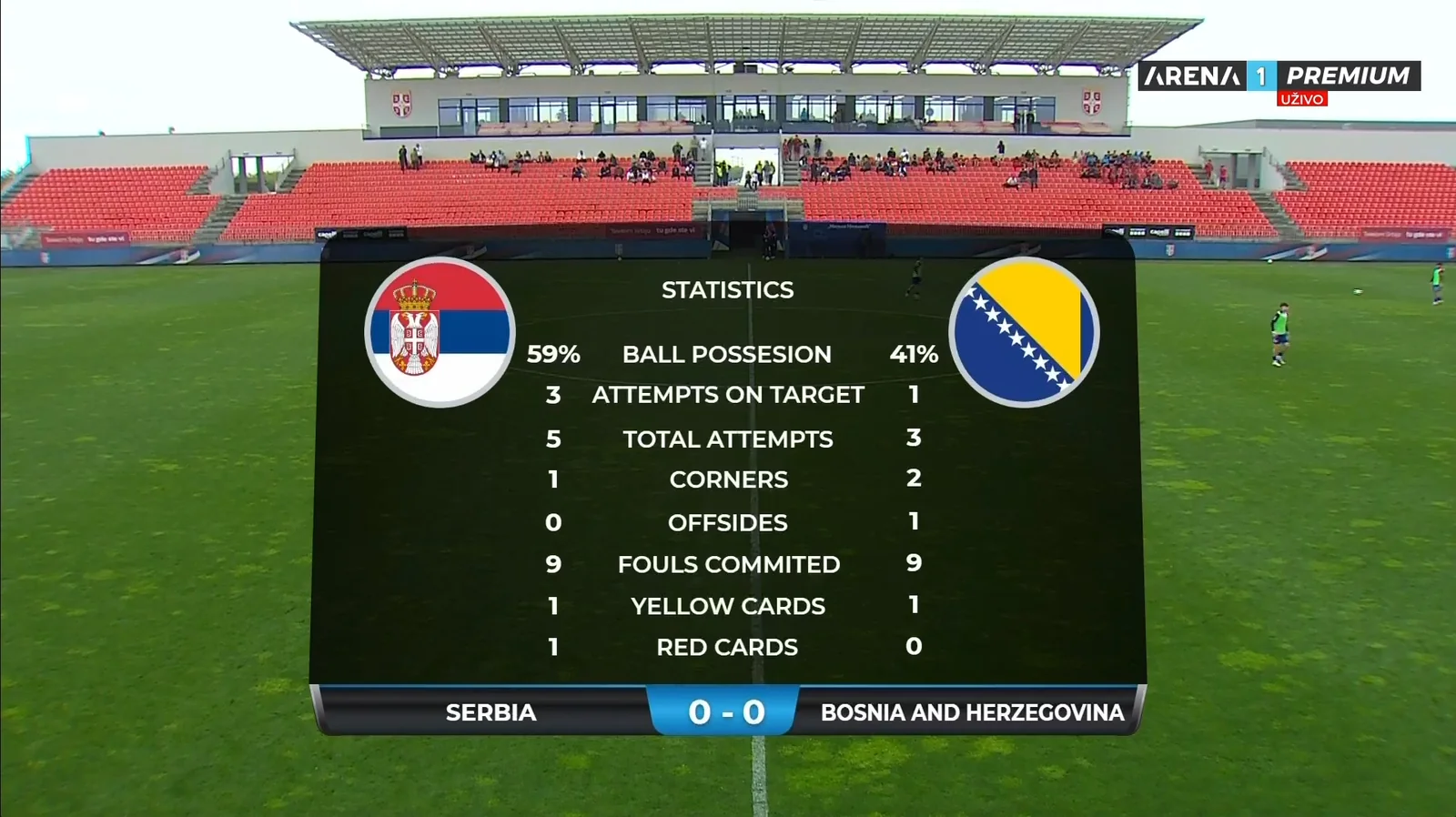
Match Statistics
Side-by-side team comparison — possession, shots, corners, fouls, and cards.
Featured Production 04
2026 European Aquatics Championships
Continental championship · Paris, France · July 31 – August 16, 2026 · Venue LED video wall
Event
European Aquatics
Championships 2026
Championships 2026
Venue
Paris
France
France
Dates
July 31 – Aug 16, 2026
Seventeen days
Seventeen days
Delivery
Poolside LED Wall
Live Venue Playout
Live Venue Playout
3968×1536
Video Wall Canvas
17
Days On Air
50 fps
Playout Frame Rate
Per-Lane
Independent Control
Graphic Package
Click any graphic to view full-screen
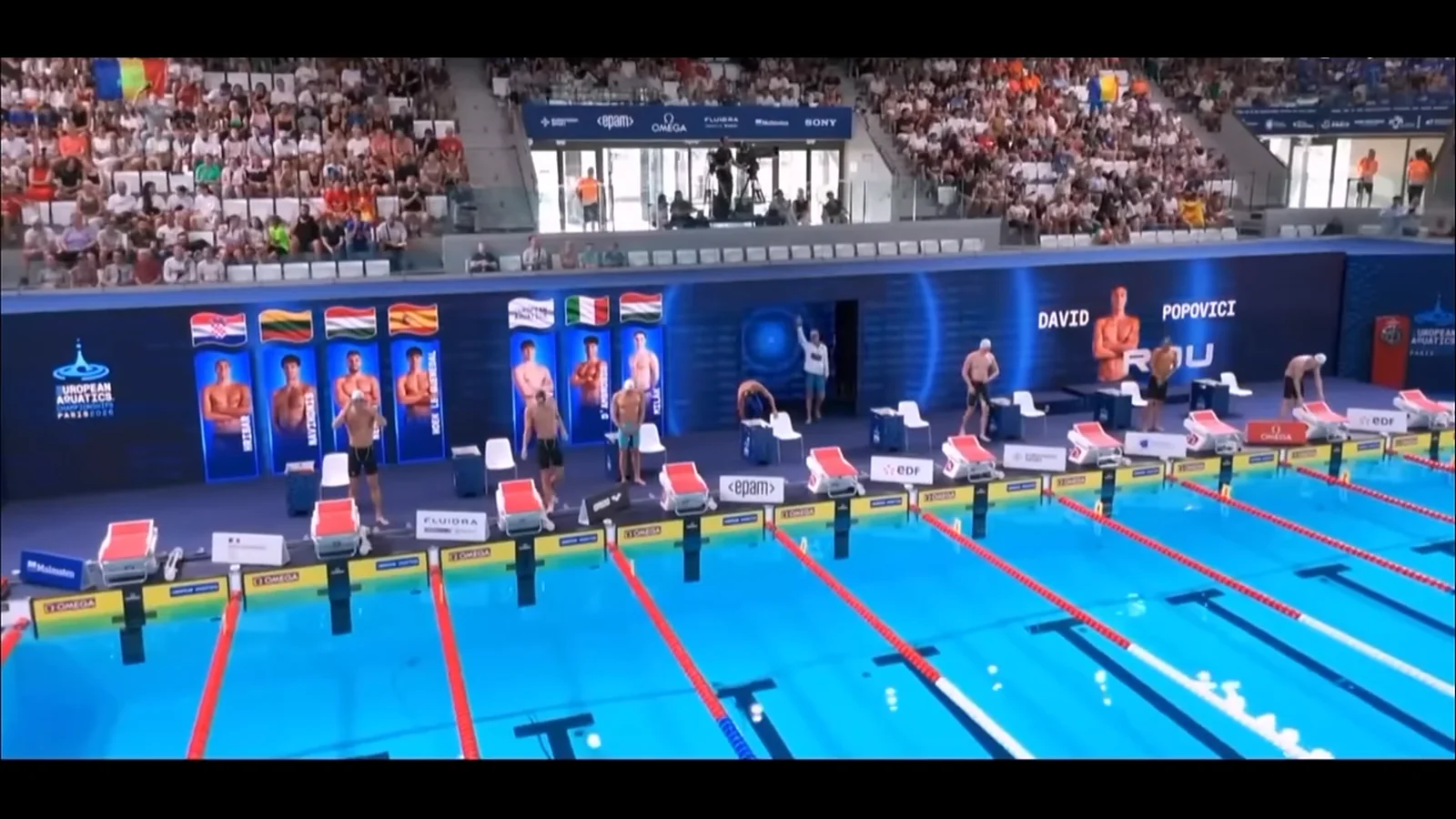
Lane Line-up · Athlete Intro
One card per lane with flag and cut-out, each rising independently as the athlete is called, alongside the highlighted name and country.
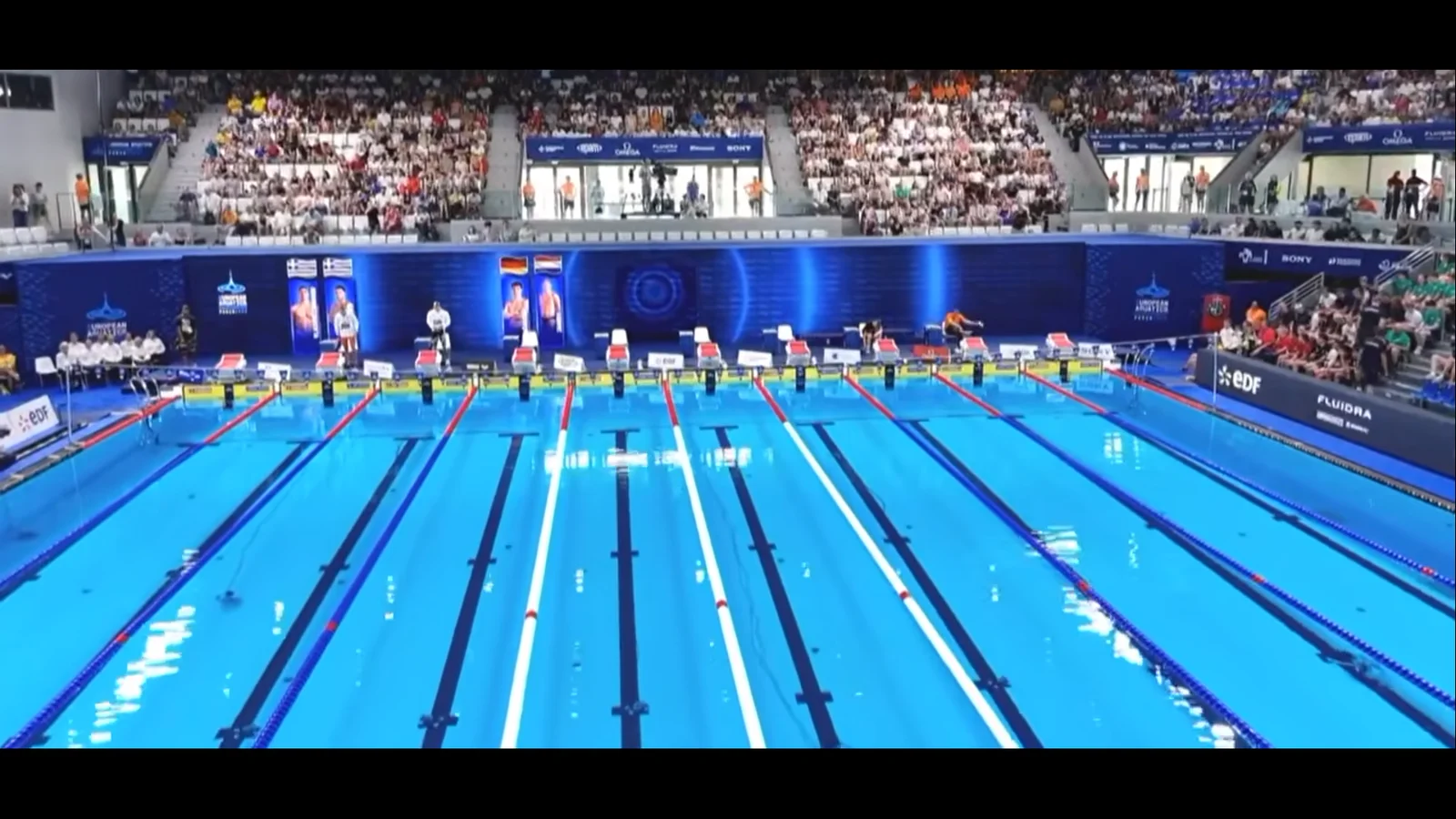
Wall In Context
The graphic as the crowd sees it — spanning the full length of the wall behind the starting blocks.
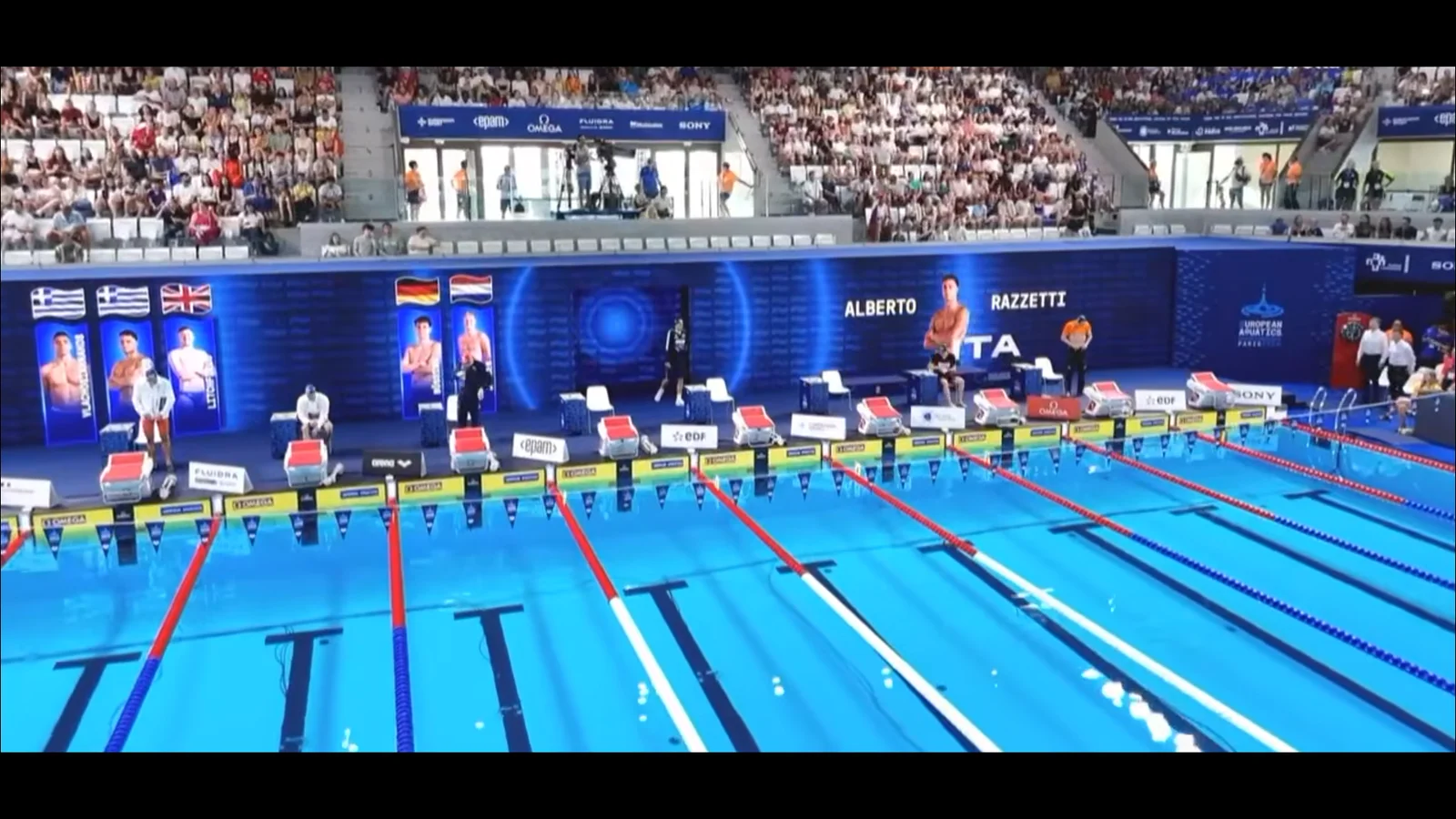
Swimmer Introduction
Full-height cut-out with given name, surname and country code, timed to the announcer calling the lane.
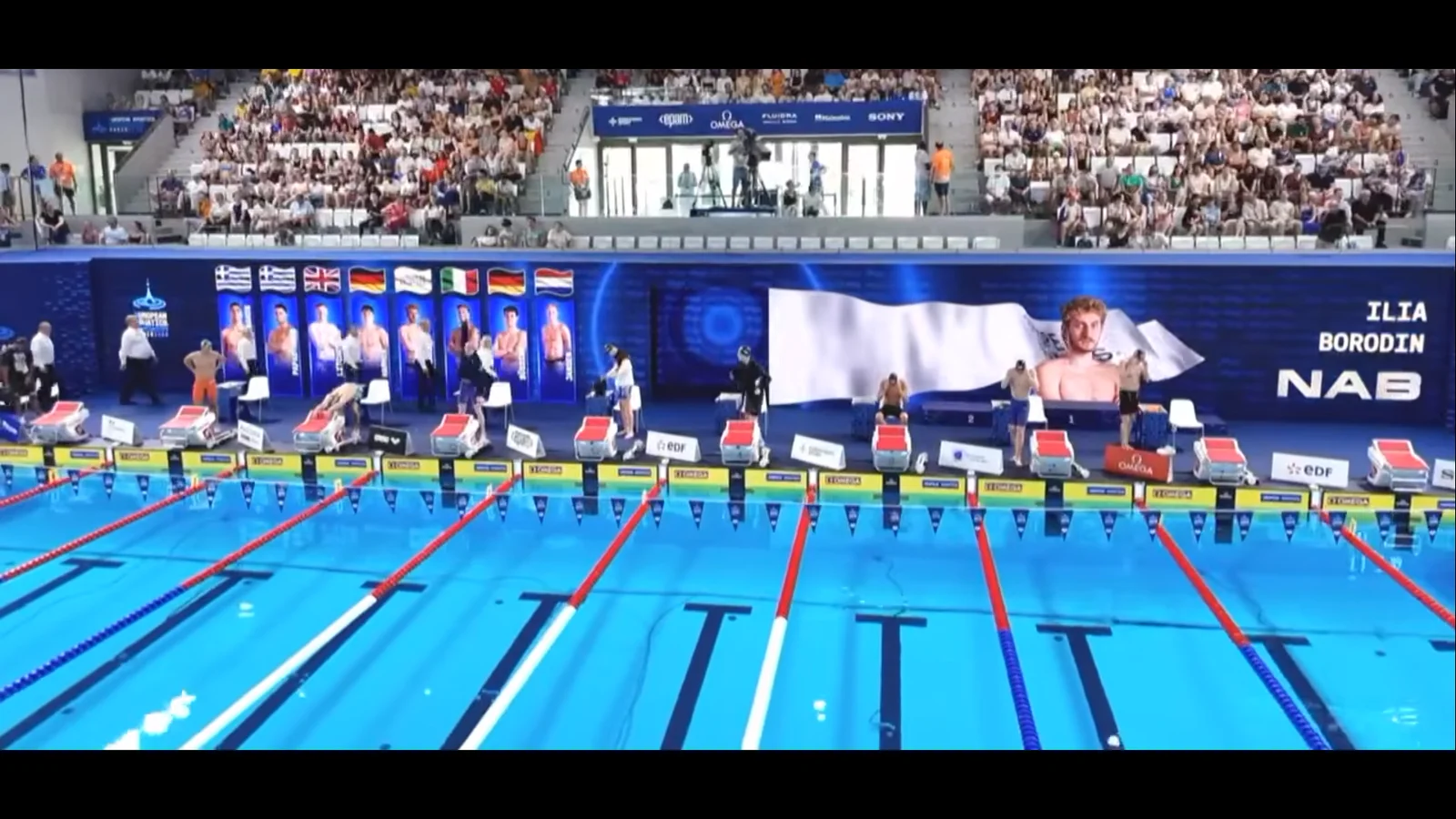
Introduction · Neutral Flag
Same template driven with a different flag and country code — every field data-bound, nothing baked into the graphic.
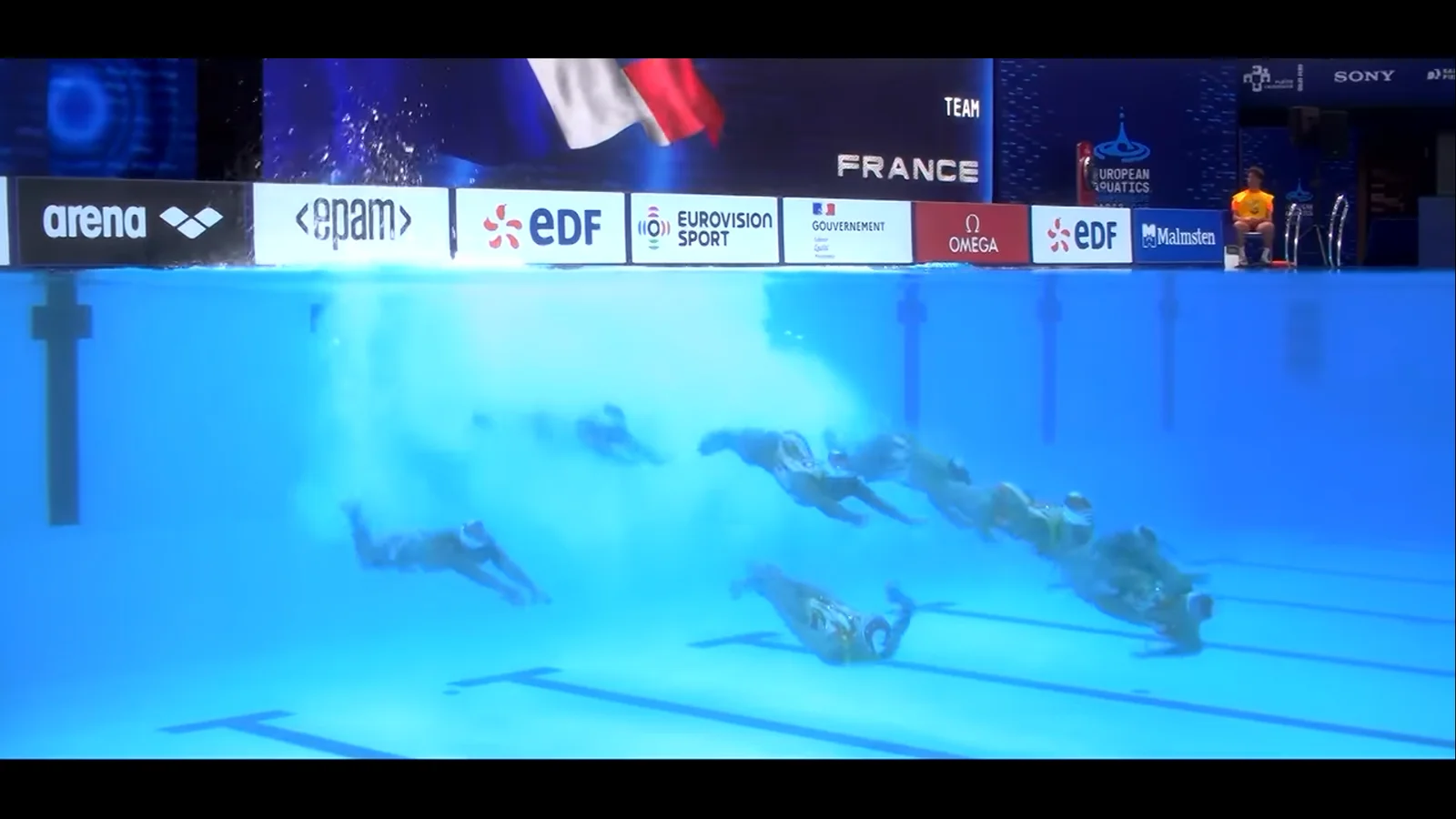
Team Introduction
Relay card with the nation's waving flag played as an alpha-channel video layer behind the team name.
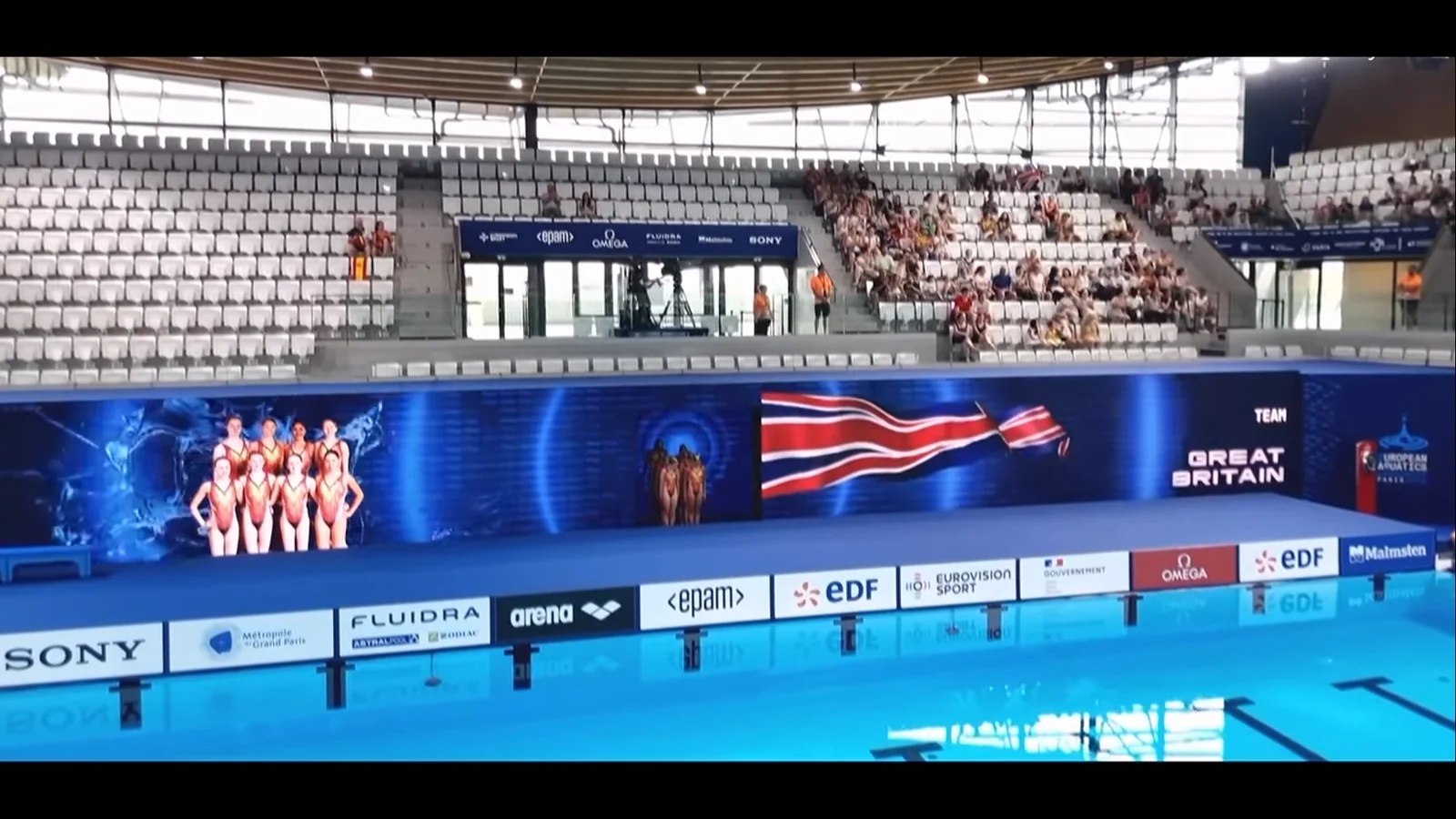
Artistic Swimming · Team Card
Squad photo, animated flag and team name for the artistic swimming programme, shown across the same wall.
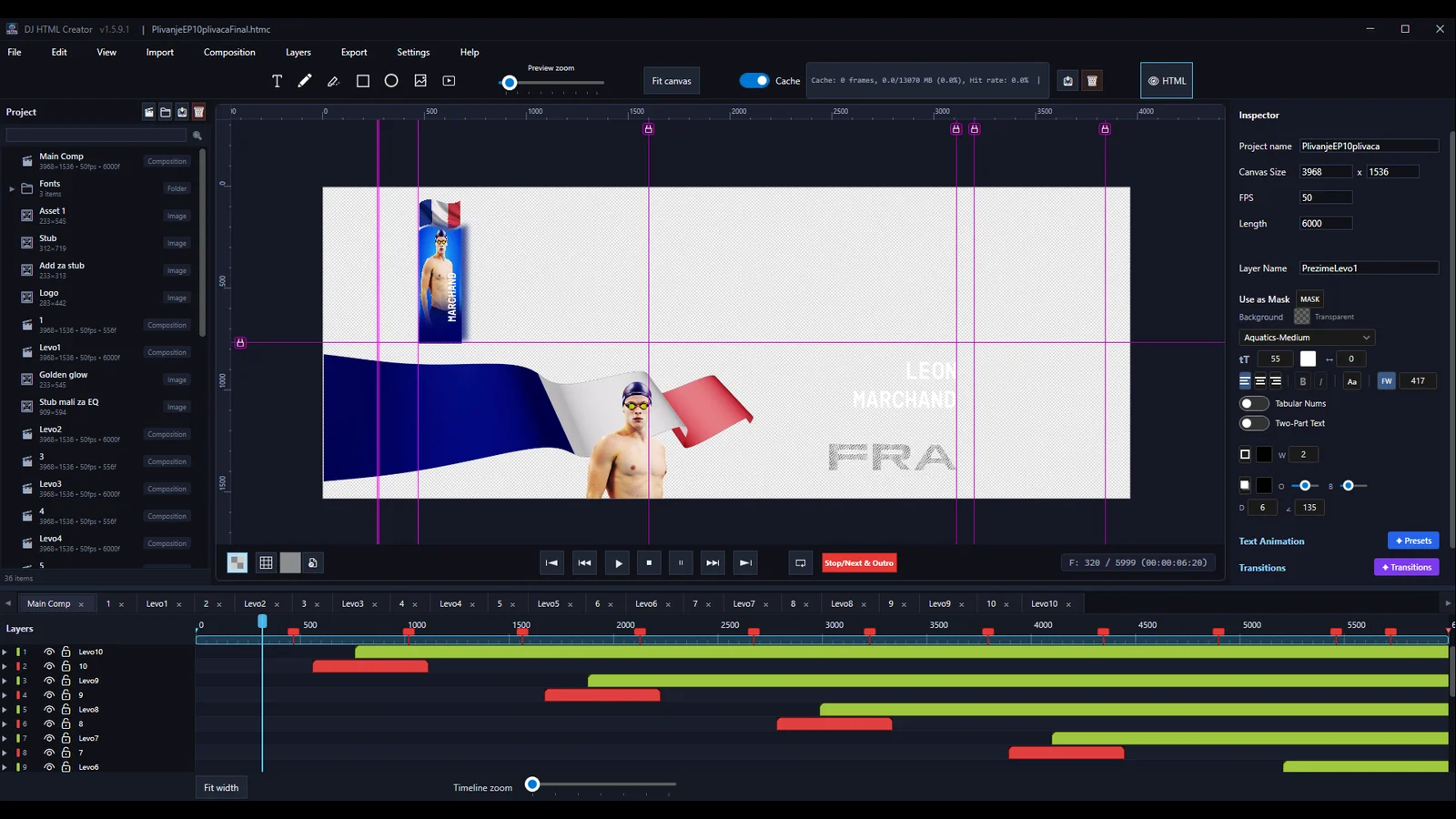
The Project In The Editor
The same package open in DJ HTML Creator — one composition per lane on a 3968×1536 canvas, each with its own stop markers.
Pipeline
From design package to live on-air playout
01
Design Package
Finished broadcast graphic designs provided by the production team.
02
Templates Built
Each design turned into an animated HTML template in DJ HTML Creator, with data-bound fields for every dynamic element.
03
Custom Control App
A purpose-built playout application drives the templates and pushes live updates to the CasparCG server.
04
On-Air
Graphics play out live during the tournament broadcast, updated in real time by the operator.